
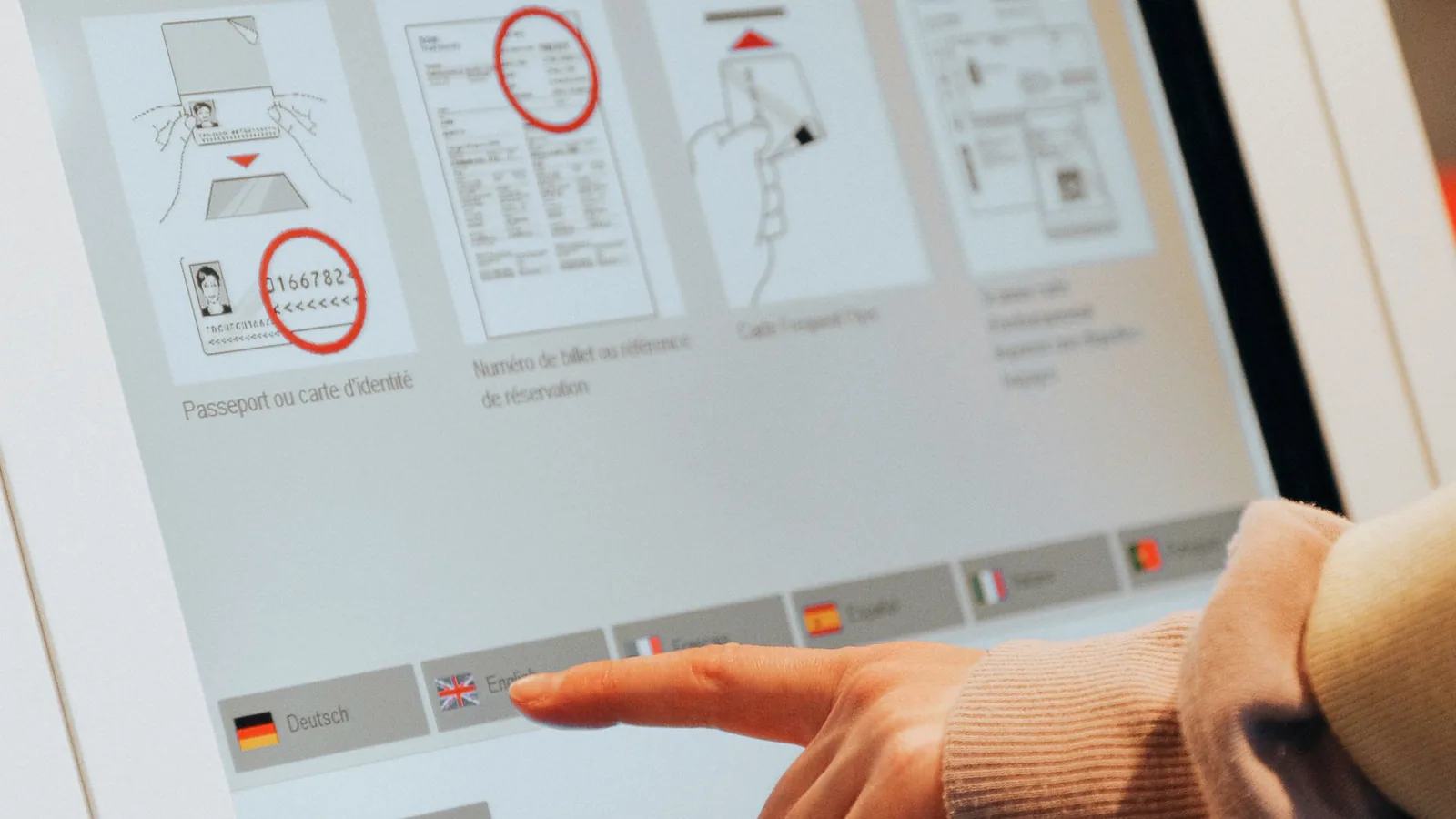
Design the front panel around one complete transaction
A custom kiosk control panel or vending machine control panel works when a first-time user can approach, understand, act, receive the result, and recover without staff assistance. The front interface must connect software prompts to touch targets, physical controls, payment hardware, scanners, printers, product delivery, indicators, and service access.
- 01
Approach
Establish viewing distance, clear approach, reach, glare, privacy, language entry point, and the first visible instruction before choosing component positions.
- 02
Orient
Show what the machine does, where to begin, which device to use, and whether the user should touch, scan, insert, tap, speak, or press.
- 03
Choose
Keep changing menus on the display and reserve fixed physical controls for direct actions that benefit from a stable location or tactile reference.
- 04
Identify or pay
Coordinate card, NFC, barcode, ID, camera, keypad, and receipt prompts while keeping certified payment and identity devices within their approved system scope.
- 05
Receive
Connect confirmation to the correct output: product, ticket, receipt, label, card, locker, gate, appointment, or on-screen completion state.
- 06
Recover
Define cancel, back, correction, timeout, out-of-stock, printer fault, payment decline, unreadable credential, network loss, and assisted-service routes.
Terminal type changes the control-panel brief
A vending front, airport check-in kiosk, self-order station, and bill-payment terminal may all use a touchscreen, but their transaction length, peripherals, cleaning, exposure, queue behavior, service door, and responsibility boundaries are different.
Vending and unattended retail
Snack and beverage vending, smart retail, refill stations, dispensers, and unattended product sales.
- Transaction pressure
- Selection, availability, price, payment, dispense, refund, and fault states must stay synchronized. Users may press hard or repeat an input when delivery is delayed.
- Front-panel direction
- Coordinate display or product labels, selection controls, payment device, delivery opening, status light, price change, cleaning, spill paths, front-door structure, and stock-service access.
- Installed approval
- Run selection through delivery, including sold-out, jam, payment decline, timeout, refund, power recovery, cleaning, and replenishment on the production-intent cabinet.
Ticketing, transit, and parking
Fare machines, parking pay stations, ticket kiosks, queue terminals, and gate-adjacent transaction equipment.
- Transaction pressure
- Users work under time pressure, changing light, mixed languages, weather, gloves, luggage, and queues. Tickets, cards, receipts, and gates create separate completion points.
- Front-panel direction
- Set screen angle, fixed navigation, payment position, ticket and receipt slots, illumination, outdoor boundary, reach, privacy, audio, and maintenance access around the installed location.
- Installed approval
- Exercise first-time purchase, top-up, validation, cancel, incorrect selection, printer fault, full cashbox, wet operation, night viewing, and service replacement as applicable.
Check-in and registration
Airport, hotel, healthcare, visitor, event, government, and workplace check-in terminals.
- Transaction pressure
- The flow may combine language choice, booking lookup, document scan, camera, signature, questions, payment, label or pass printing, and staff escalation.
- Front-panel direction
- Map display, scanner, camera, privacy, audio, printer, fixed help or cancel controls, status indication, and accessible alternative paths before defining the decorative front skin.
- Installed approval
- Run complete check-in with valid, invalid, unreadable, expired, missing, and interrupted inputs using real peripherals, software, lighting, print media, and service procedures.
Self-order and self-checkout
Restaurant ordering, retail checkout, returns, loyalty, product lookup, and assisted self-service stations.
- Transaction pressure
- Large changing menus, modifiers, carts, promotions, payment, scales, scanners, bagging, and receipt choices make screen flow dominant while queues reward fast error recovery.
- Front-panel direction
- Prioritize display readability, touch accuracy, scanner and payment reach, fixed assistance control, speaker, indicator, edge cleaning, impact protection, and cable routes that survive daily service.
- Installed approval
- Observe novice and frequent users through search, scan, correction, assistance, payment, declined transaction, receipt choice, network interruption, cleaning, and peripheral replacement.
Bill payment and service kiosks
Utility payment, account service, financial transactions, cash handling, top-up, and customer-support terminals.
- Transaction pressure
- Account data, payment, cash, receipts, privacy, identity, and network status create a high-consequence flow. The public face must not blur ordinary navigation with secure payment entry.
- Front-panel direction
- Separate the general HMI from approved payment devices, define privacy and viewing, identify each slot, maintain clear state feedback, and give technicians controlled access to modules, locks, and cables.
- Installed approval
- Validate normal and exception transactions with the selected payment environment, including decline, partial input, cancellation, receipt failure, cash fault, communication loss, and secure service procedures.
Lockers, information, and shared services
Parcel lockers, rental return, wayfinding, directory, charging, library, photo, and shared-facility terminals.
- Transaction pressure
- Some flows are informational; others connect a code, credential, door, printer, or rented item. Outdoor placement and infrequent use can make discoverability more important than menu density.
- Front-panel direction
- Define the fixed help path, credential or code entry, door or bay indication, display, touch or keypad method, audio, lighting, weather exposure, cable route, and replaceable front modules.
- Installed approval
- Complete lookup, open or return, incorrect compartment, unreadable code, timeout, network loss, low-light, wet, and service states on the installed cabinet and software release.
Give every front-face zone one job
In a self-service kiosk interface, start from the transaction and assign a physical zone to each action. Shared datums keep the display, touch sensor, graphics, cutouts, peripherals, housing, adhesive, and service structure aligned as the industrial design changes.
- 01
Display and touch
Active image area, touch area, cover outline, mask, bezel, viewing angle, glare, privacy, software target, and mounting opening need one coordinate reference.
- 02
Fixed controls
Help, cancel, navigation, accessibility mode, attendant call, or emergency-related controls need stable placement only when the system workflow defines them.
- 03
Payment and credential
Card, NFC, PIN, barcode, ID, biometric, and account-data devices require clear prompts, reach, privacy, approved mounting, tamper strategy, and OEM-owned security integration.
- 04
Input and output openings
Scanner, camera, microphone, speaker, receipt, ticket, label, card, cash, coin, and product openings need edge treatment, light control, debris paths, and service clearance.
- 05
Status and guidance
Use legends, color, icons, LEDs, display text, sound, and physical cues as a coordinated hierarchy. Color alone should not carry the complete message.
- 06
Structure and service
Fasteners, hinge line, door seam, gasket, adhesive land, pry edge, lock, cable path, module tray, and technician reach must remain outside active touch and optical zones.
Use the right input for each decision
A screen-first kiosk, fixed membrane keypad, capacitive front panel, and hybrid HMI answer different user and service needs. Select the architecture before final artwork so the front does not promise behavior the electronics cannot deliver.
- 01
Screen-first touchscreen
Best for changing menus, product lists, languages, forms, maps, and multi-step transactions. Release display, sensor, cover, controller, software targets, gloves, water behavior, grounding, and calibration or tuning as one system.
- 02
Membrane keypad or control strip
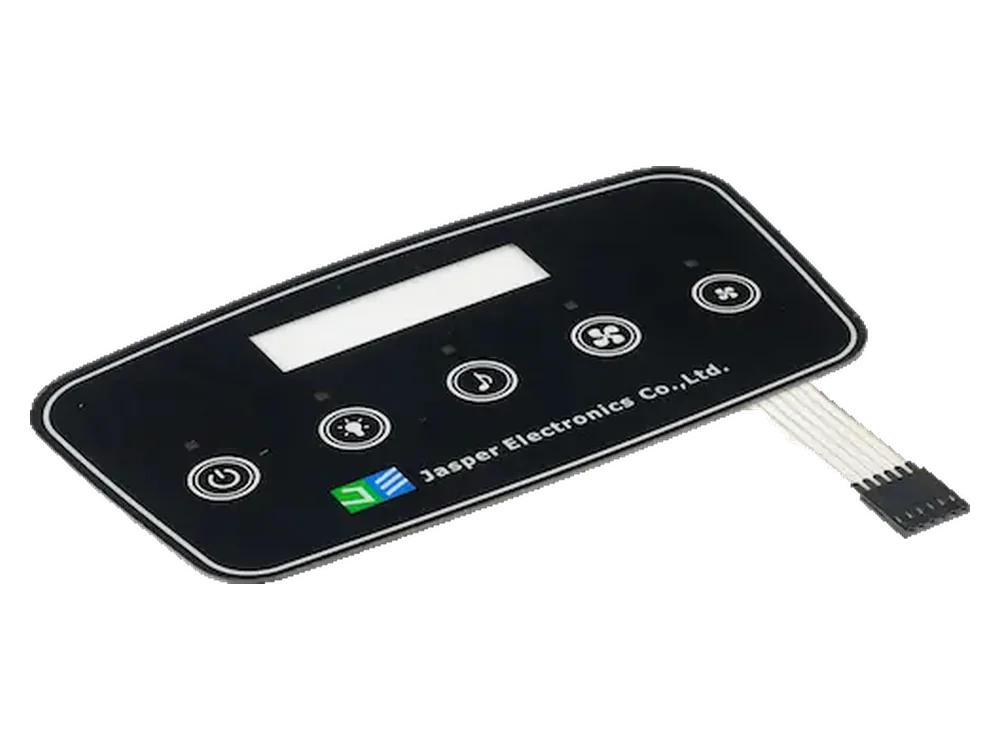
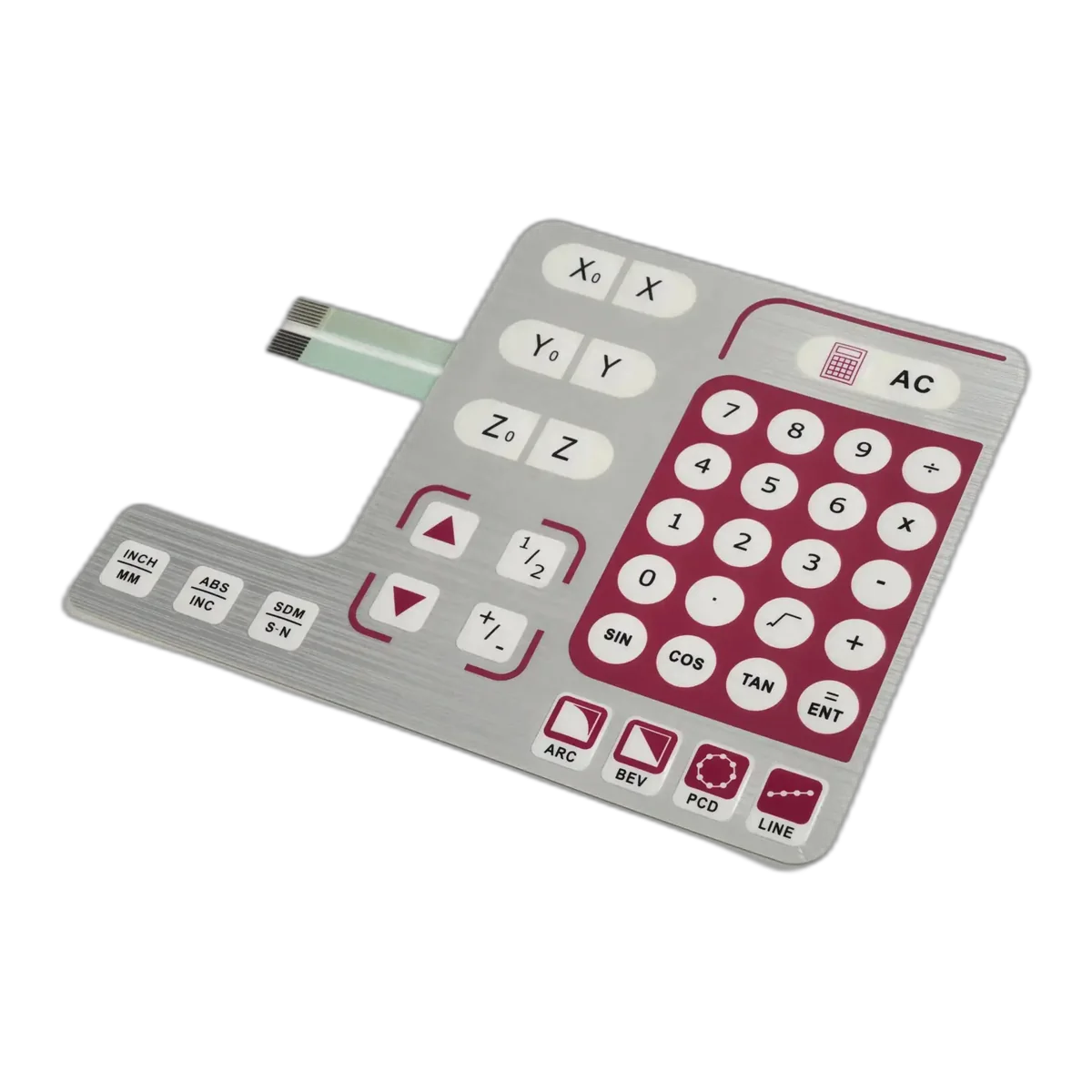
Useful for stable numeric entry, help, cancel, navigation, attendant, or direct functions that benefit from tactile feedback and a printed location. Define dome, emboss, force, support, circuit, tail, connector, and controller response.
- 03
Capacitive printed front panel
Useful for a flush branded face with fixed icons, indicators, or a display window. Define cover material and thickness, sensor geometry, ground reference, noise, water, gloves, backlighting, controller, and installed tuning.
- 04
Hybrid HMI assembly
Combines display or touchscreen with physical keys, overlay, PCB or FPC, indicators, carrier, gasket, connector, and peripheral openings. The released boundary must name who supplies, assembles, and tests every element.
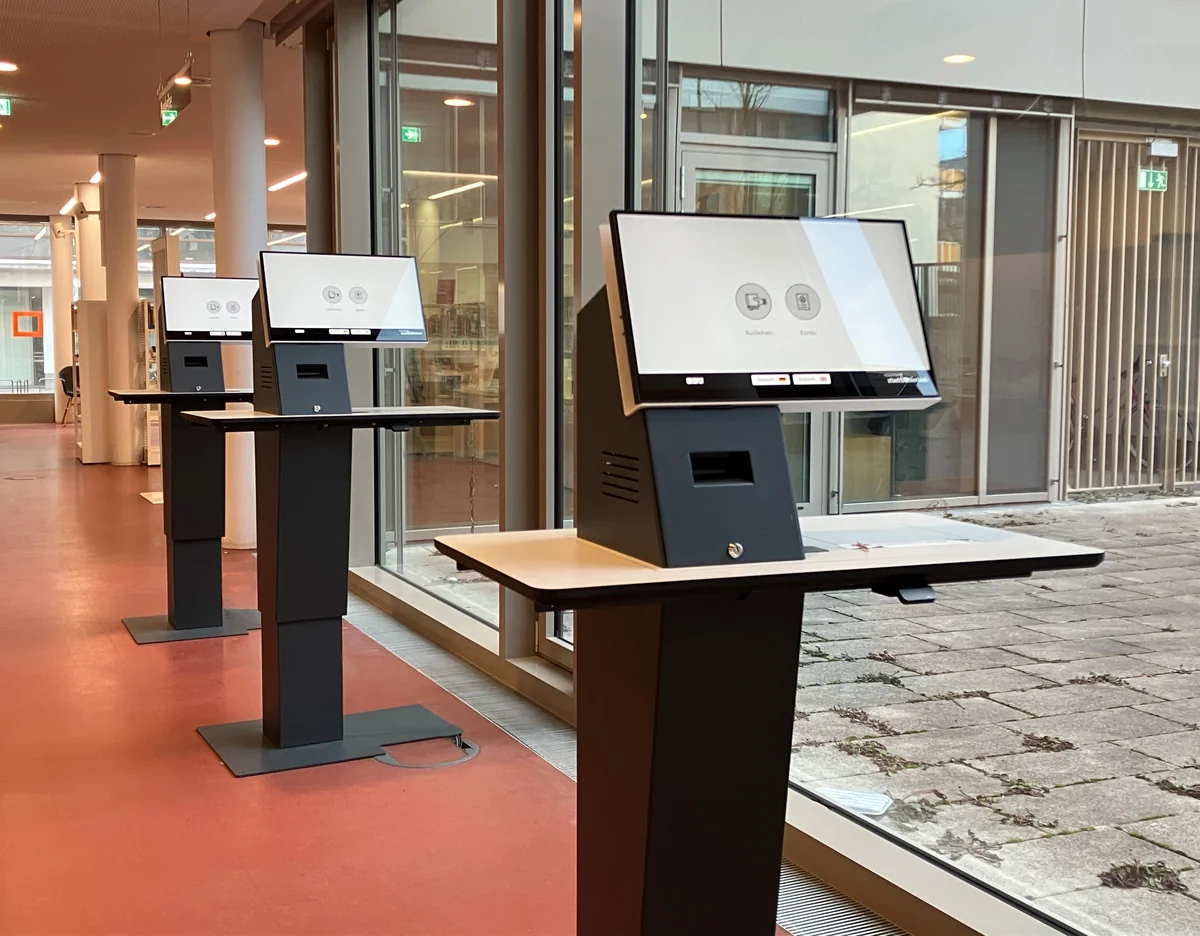
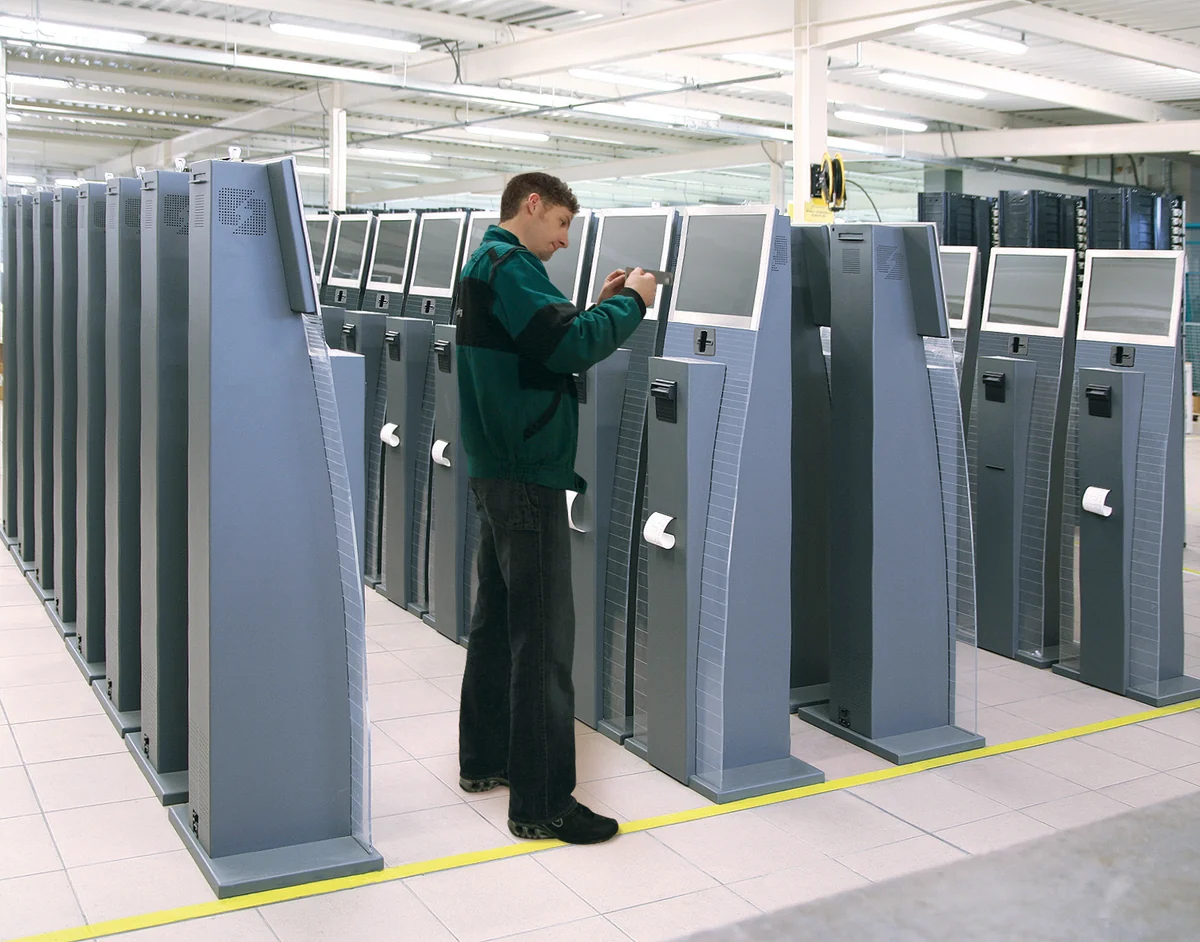
Löwenmaus27 / CC BY 4.0. Resized.
Register the visible image, touch area, and enclosure
A display size on a datasheet does not establish what the customer sees or where the touch lands. Release the full stack with the display powered and the software targets visible.
- 01
One datum system
Tie cover outline, enclosure opening, display view area, touch active area, user targets, mask, sensor border, adhesive, cutouts, and tooling to controlled datums.
- 02
Window and cover optics
Approve clear, gloss, matte, anti-glare, tint, privacy, printed mask, and selective texture against the actual display gap, brightness, viewing angle, and ambient light.
- 03
Touch target and edge behavior
Check target size and spacing, bezel edge, palm or sleeve contact, wet or gloved use, multi-touch, drag, timeout, and what the software shows after each input.
- 04
Indicators and illuminated guidance
Release LED position, icon registration, diffusion, masking, hot spots, leakage, brightness hierarchy, standby, active, error, assistance, and out-of-service states.
- 05
Physical reference set
Retain the approved cover, overlay, sensor, display, bezel, software screen, lighting state, color reference, and inspection setup as one revision-controlled release package.
Send the front package with display, peripherals, service access, and open decisions marked.
Public use creates a wear pattern, not one durability number
Finger oils, rings, bags, coins, cleaning cloths, spills, grit, sunlight, queues, and deliberate misuse reach different parts of the interface. Name the mechanism before choosing film, coating, ink, adhesive, gasket, window, or housing protection.
Name the mechanism before naming the material.
- 01
Repeated touch and abrasion
Map high-frequency targets, swipe paths, fingernails, rings, cards, coins, bags, and cleaning cloths. Approve legends, texture, clear windows, coatings, and edge condition after representative exposure.
- 02
Cleaning process
List cleaner, concentration, spray or wipe method, dwell, cloth, frequency, and whether liquid can pool at edges, slots, windows, payment devices, speakers, or printer exits.
- 03
Spills, dust, and debris
Define drinks, food, sugar, grease, paper dust, ticket fragments, outdoor grit, and product residue. The complete front and cabinet own drainage, seams, openings, and rear protection.
- 04
Impact and misuse
Separate normal public contact from deliberate attack. Name expected impact, pry access, sharp objects, unsupported areas, screen protection, fasteners, wall or floor anchoring, and complete-machine acceptance.
- 05
Light and temperature
Review indoor reflections, window sunlight, night contrast, UV, solar heating, cold start, internal heat, temperature cycling, condensation, and recovery with the powered display and touch controller.
- 06
Field aging evidence
Keep an approved cosmetic and functional reference, record cleaning and exposure methods, inspect returned parts by failure location, and link corrective action to the exact material and revision.
Accessibility begins before the artwork
Applicable requirements can involve floor space, approach, reach, operable parts, display visibility, privacy, audio, speech output, tactile information, software order, and equivalent paths. The installed kiosk and its owner must be evaluated as a complete solution.
Evaluate hardware, software, site, and transaction together.
- 01
Approach and reach
Set standing and seated approach, clear space, reach depth and height, obstructions, screen angle, peripheral position, and whether each required action can be completed from the intended access point.
- 02
Operable controls
Review force, dexterity, target separation, tactile references, key shape, physical support, timing, repeated input, and alternatives for actions that cannot rely on precise touch alone.
- 03
Visual information
Coordinate contrast, character size, glare, viewing angle, color-independent states, focus order, prompts, timeouts, error messages, and privacy with the real screen and ambient light.
- 04
Audio and tactile guidance
Define speaker, volume, audio jack, speech path, Braille or tactile labels, raised symbols, privacy, and synchronization with on-screen and physical actions where the program requires them.
- 05
Complete-flow review
Test the entire transaction with representative users and assistive paths. A compliant film, key, or window does not make the installed hardware and software accessible by itself.
Keep the decorative HMI outside the payment-security claim
JASPER can build the surrounding overlay, control panel, circuit, indicators, carrier, and agreed HMI assembly. Devices that capture PINs or account data require the approved payment route selected and managed by the kiosk OEM, payment provider, acquirer, and operator.
- 01
JASPER interface scope
Artwork, branded surface, windows, fixed control keys, circuit, tail, connector, LEDs, backlighting, adhesive, gasket, carrier, peripheral cutouts, and project-defined inspection.
- 02
Payment-device scope
PIN entry, card or contactless capture, account-data protection, secure reader, terminal approvals, firmware, keys, tamper response, and required mounting or environmental conditions.
- 03
Kiosk integrator scope
Device selection, mechanical and electrical integration, power, communications, software prompts, privacy, surveillance boundary, enclosure, locks, cable protection, update path, and complete test.
- 04
Operator scope
Merchant configuration, deployment, inspection, access control, incident response, maintenance, network environment, records, and continued operation under the applicable payment program.
Design the service route while the front is still open
A beautiful front can become expensive when a technician must remove unrelated modules, overbend a tail, break an adhesive seal, or disconnect the wrong harness to replace a printer or payment terminal.
- 01
Access direction
Define front, rear, hinge, slide-out, door, or removable-module access and show the technician's hand and tool space around the display, controls, peripherals, locks, and fasteners.
- 02
Tail and cable motion
Release exit, bend, slack, strain relief, connector, contact side, labels, retention, pinch points, sharp edges, hinge sweep, and the motion seen during every service event.
- 03
Replaceable units
Decide whether the overlay, keypad, front HMI, display, scanner, payment terminal, printer, controller, or harness is replaced separately and protect adjacent parts during removal.
- 04
Variant control
Link artwork, language, peripheral set, opening pattern, circuit, cable, connector, software configuration, label, packaging, and service part number to the correct machine revision.
- 05
Return to service
Document inspection, cleaning, gasket or adhesive renewal, connector confirmation, cable restraint, powered self-test, transaction test, security check, and closure evidence.
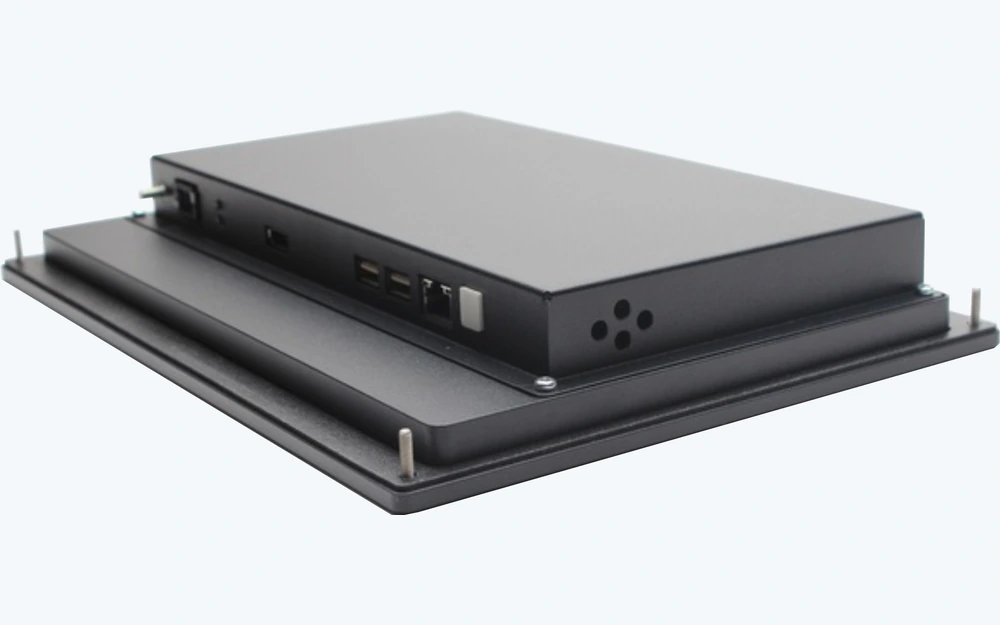
Release a mounted and powered transaction
A loose panel proves appearance and basic contacts. It cannot prove touch registration, software response, peripheral alignment, accessibility, payment-device integration, cable motion, cleaning, output delivery, or field service.
- 01
Build the intended front
Use the released display, touch sensor, physical controls, overlay, housing, openings, peripherals, gasket or adhesive, cables, connectors, controller, indicators, and software version.
- 02
Run the transaction map
Exercise start, language, selection, correction, identification, payment, confirmation, output, cancel, timeout, assistance, out-of-stock, fault, and recovery states as applicable.
- 03
Apply public-use conditions
Evaluate viewing and reach, rapid use, repeated touch, cleaning, spills, gloves, glare, darkness, noise, network interruption, printer or scanner fault, and service motion against OEM criteria.
- 04
Freeze release evidence
Record artwork, materials, dimensions, datums, circuit, pinout, tails, connectors, component set, feedback states, inspection limits, approved sample, variants, software reference, and ownership.
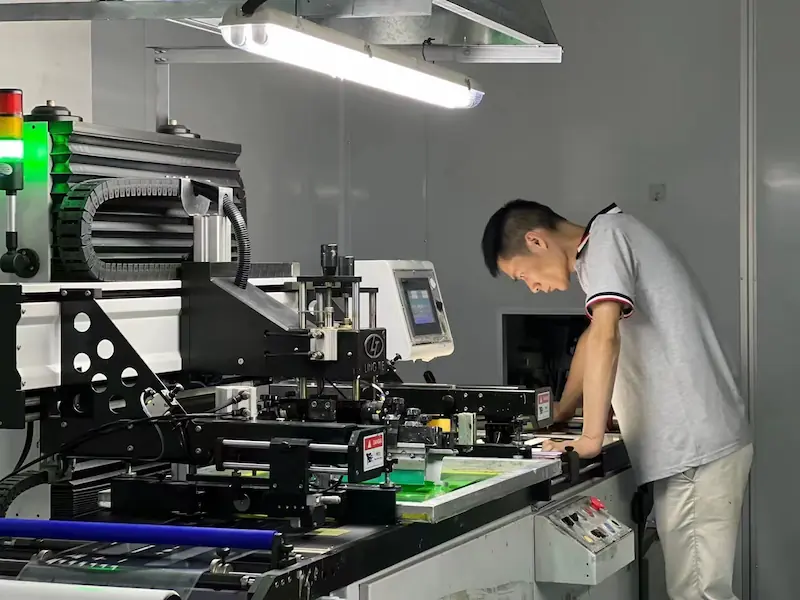
Production evidence tied to the terminal revision
JASPER manufactures the released interface component or agreed assembly and records the checks named by its drawing and control plan. Evidence stays linked to the correct graphics, circuit, openings, cable, connector, option, and revision.
- Identity
- Released artwork, language, material stack, dimensions, datums, circuit master, pinout, tail or cable, connector, peripheral pattern, variant, and revision.
- Appearance
- Print registration, legends, color reference, finish, display and indicator windows, masks, cut edges, emboss, illumination zones, and agreed cosmetic limits.
- Electrical
- Project-defined continuity, open and short, key map, contact, LED polarity or function, touch-panel interface, tail, connector, and agreed assembly checks.
- Mechanical
- Outline, openings, datums, laminate alignment, adhesive or gasket condition, carrier fit, cable restraint, assembly state, labels, and packaging protection.
The kiosk or vending OEM remains responsible for intended use, transaction workflow, software, accessibility assessment, payment and identity devices, PCI or EMV scope, account data, cybersecurity, display and touch controller, peripherals, dispensing, enclosure, locks, power, safety, installation, field service, complete-machine certification, and final validation.
Match the front-panel scope to the terminal architecture
Product directions
Overlay, controls, PCB or FPC, display window, LEDs, carrier, gasket, connectors, and agreed assembly or functional test scope.
Custom cover graphics, sensor design, display window, controller interface, backlighting, and production-intent tuning inputs.
Durable printed fronts with display windows, masks, textures, embossing, backlit features, openings, and selected adhesive.
Fixed tactile or non-tactile controls, legends, circuits, LEDs, tails, connectors, and enclosure integration.
Engineering resources
Compare changing screen workflows with fixed tactile, sealed, or hybrid control strategies.
Decide whether the front needs graphics only or integrated electrical switching.
Coordinate exit, bend, connector, strain relief, hinge motion, installation, and service access.
Package drawings, artwork, control map, electronics, environment, quantities, and approval evidence.
Send the kiosk front-interface package
A useful quotation shows the transaction, physical front, electronics boundary, peripheral openings, and service route. Early CAD is suitable when unresolved decisions are marked clearly.
Open Kiosk HMI Form- 01terminal type, users, transaction map, languages, approach, reach, accessibility inputs, lighting, privacy, cleaning, and service workflow
- 02front, bezel, display, touch sensor, enclosure, door, hinge, back box, mounting, fastener, gasket, adhesive land, and opening drawings
- 03physical control map, touch targets, tactile requirement, indicators, backlighting, audio cues, display states, errors, timeouts, and recovery
- 04graphic overlay, membrane, capacitive, or hybrid direction; artwork, colors, finishes, windows, masks, embossing, legends, and variants
- 05circuit, matrix or schematic, electrical limits, pinout, LEDs, controller, shielding, ground, tail or cable, connector, and test interface
- 06payment, scanner, camera, printer, receipt, ticket, cash, product, speaker, and credential-device models with mounting and clearance drawings
- 07sample quantity, annual volume by variant, schedule, exposure and qualification plan, inspection records, labels, packaging, and service-part needs
Kiosk and Vending Control Panel FAQ
Should a kiosk use a touchscreen, membrane keypad, or both?
Use a touchscreen for changing menus, product lists, languages, forms, maps, and multi-step choices. Use a membrane keypad or fixed control strip when direct actions benefit from a stable location, tactile feedback, or operation outside the changing screen. A hybrid HMI can combine both. Decide from users, transaction length, accessibility, gloves, spills, feedback, software, enclosure, electronics, service, and installed validation.
What should be included in a vending machine control panel drawing?
Include the display and touch areas, product or selection map, fixed controls, payment device, scanner, printer, delivery opening, status indicators, artwork, housing and door datums, cutouts, fasteners, gasket or adhesive land, circuit, tail or cable, connectors, internal clearance, hinge motion, drainage, cleaning exposure, replenishment access, service sequence, variants, and acceptance tests.
How are display windows and touch targets aligned in a kiosk front panel?
Release the cover outline, enclosure opening, display view area, touch active area, software targets, mask, sensor border, adhesive, bezel, and cutouts from controlled datums. Approve the powered display for viewing angle, glare, privacy, brightness, target registration, edge behavior, gloves or water where relevant, and the actual cover-to-display gap.
How should a public-use kiosk panel be specified for cleaning and abrasion?
Name the cleaner, concentration, spray or wipe method, dwell, cloth, and frequency, then map high-touch zones, swipe paths, rings, cards, coins, grit, spills, edges, windows, slots, and openings. Select film, coating, ink, texture, adhesive, gasket, and housing protection for those mechanisms and evaluate a production-intent mounted sample against project acceptance limits.
Can JASPER supply the payment keypad or certify PCI compliance?
JASPER can manufacture the surrounding graphic overlay, fixed control panel, circuit, indicators, carrier, openings, and agreed HMI assembly. PIN entry, card or contactless capture, account-data protection, payment approvals, secure firmware, cryptographic keys, tamper response, and the complete payment environment belong to the approved payment device, kiosk integrator, payment provider, acquirer, and operator.
What information is needed to quote a kiosk or vending HMI assembly?
Send the transaction map, front and enclosure CAD, display and touch specifications, artwork, fixed controls, circuit or pinout, tail and connector, peripheral models and openings, mounting and service route, materials and finishes, lighting, cleaning and exposure, accessibility inputs, sample quantity, annual volume by variant, schedule, inspection evidence, and the responsibilities assigned to each supplier.