Dongguan, Guangdong 523927, China[email protected]+86 136 3262 5290
Home / Case Studies

Membrane Switch and Graphic Overlay Case Studies

Explore six practical OEM interface scenarios. Each one connects the application environment with material choices, structural decisions, manufacturing controls, inspection priorities, and the information a buyer should prepare before requesting a quotation.

Three-dimensional HMI assembly representing custom interface case study categories
6 project typesCommon OEM interface challenges
Anonymous by designNo customer identity implied
Engineering contextMaterials, structure, and inspection
RFQ-ready guidanceInputs for a focused review
What these case studies represent

These are anonymous project-type examples, not claims about named customers or published program results. They show how JASPER would frame common design questions for similar OEM interfaces. Customer names, logos, project photographs, certification outcomes, measured performance, quantities, and schedules are included only when written authorization and supporting records are available.

Choose the case that matches your interface challenge

Start with the operating condition or integration risk that is closest to your project. The cards stay on this page so you can compare all six paths without being sent to unfinished detail pages.

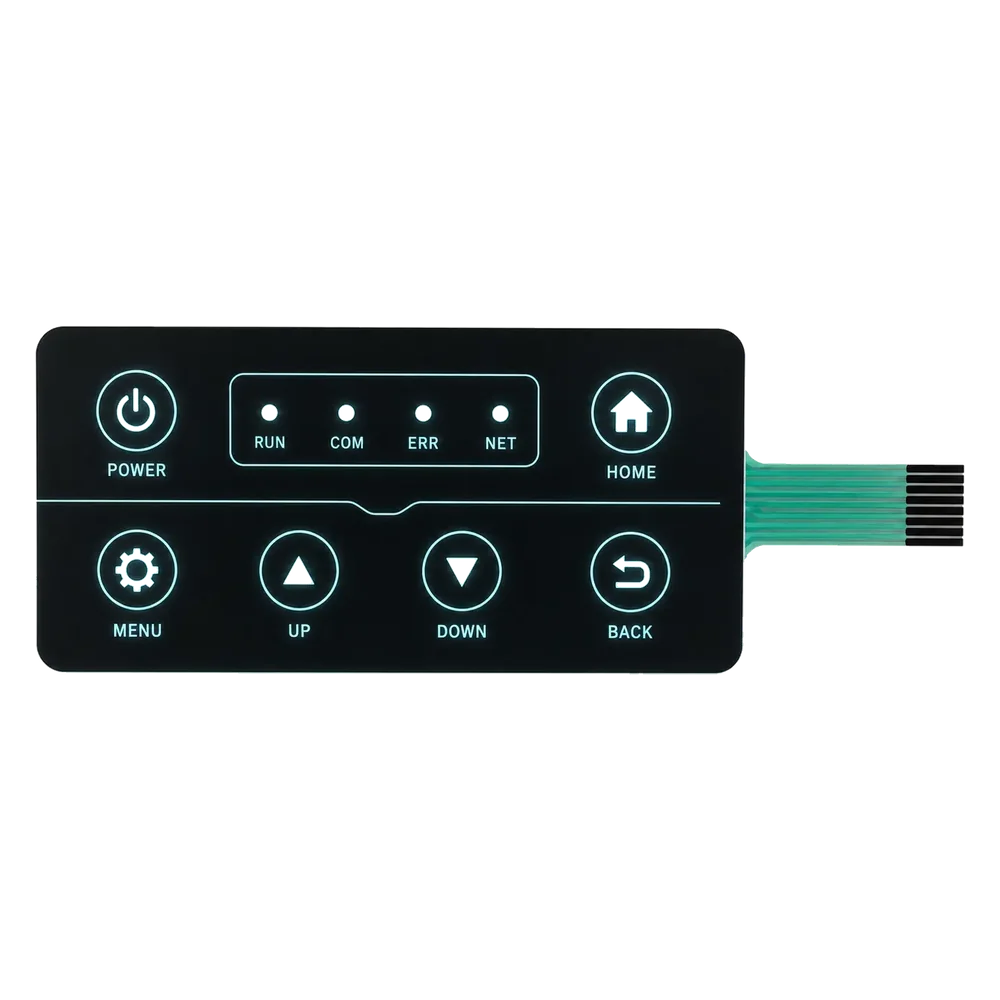
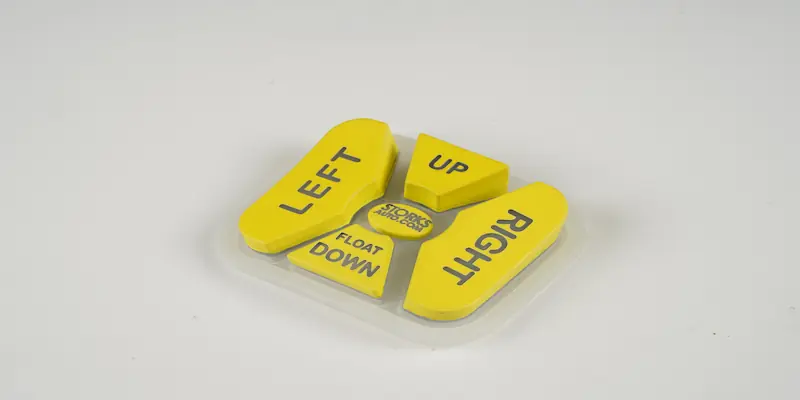
Custom membrane switch concept for a cleanable medical equipment interface
Medical equipment interface

Cleanable Medical Equipment Membrane Switch

A project type focused on a smooth front surface, legible graphics, sealed key areas, tactile response, adhesive selection, and inspection criteria for equipment that may be wiped or handled with gloves.

Best for
Healthcare equipment controls and other cleanable operator interfaces
Design risk
Treating cosmetic approval, cleaning exposure, and key feel as separate decisions
Review the medical interface case
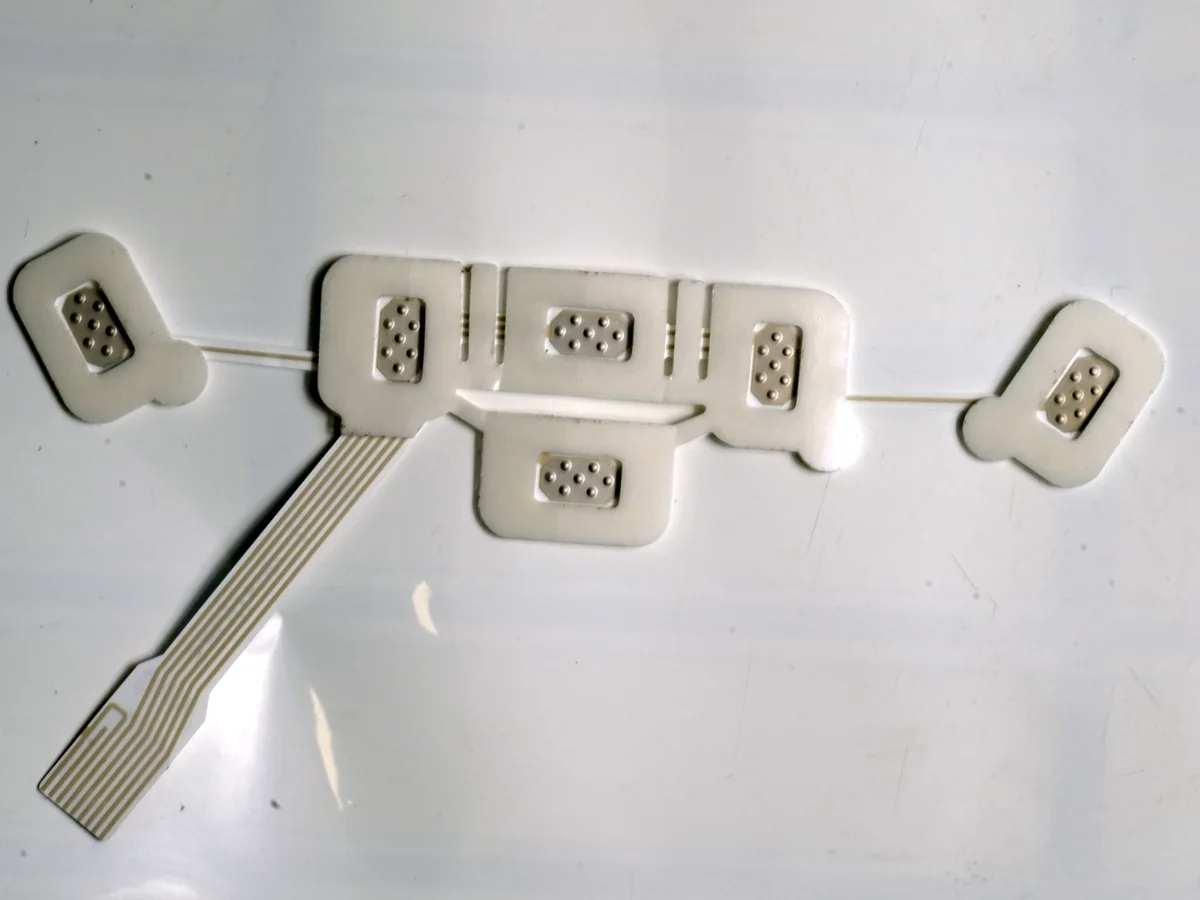
Industrial membrane keypad with tactile keys and printed operator graphics
Industrial control

Industrial Control Membrane Keypad

A machine-interface scenario covering gloved operation, durable legends, key spacing, tactile force, tail direction, connector details, adhesive bonding, and enclosure fit.

Best for
Machine controls, instruments, and frequently operated equipment panels
Design risk
A keypad that works electrically but conflicts with the operator, housing, or cable route
Review the industrial keypad case
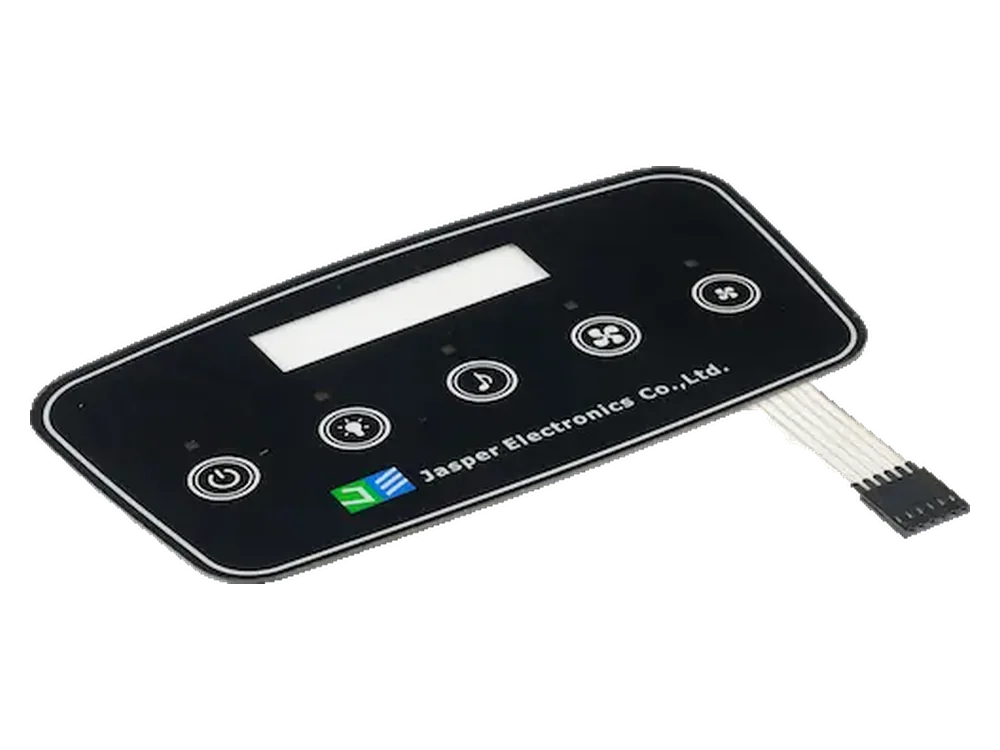
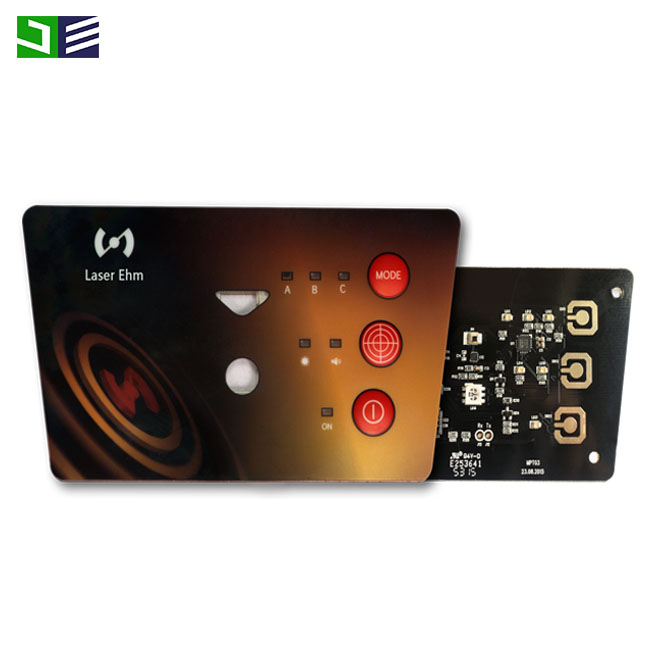
Backlit control panel with illuminated indicators and hidden graphic areas
Backlit control panel

Backlit Panel With LED Indicators

A lighting-led project type that examines LED placement, icon size, dead-front graphics, ink opacity, light blocking, diffusion, circuit routing, and lit and unlit inspection.

Best for
Night operation, status indication, and interfaces with concealed icons
Design risk
Light leakage, hot spots, or weak off-state graphics even when the circuit functions
Review the backlit panel case
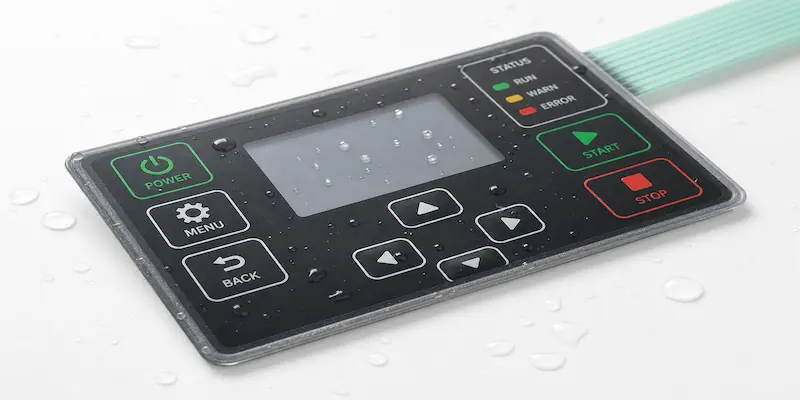
Sealed outdoor membrane switch concept with overlay, adhesive, tail, and enclosure interface
Outdoor and sealed interface

Waterproof Outdoor Membrane Switch

An assembly-level sealing scenario covering moisture, UV exposure, temperature change, overlay and adhesive selection, gasket path, edge design, tail exit, and enclosure contact surfaces.

Best for
Outdoor, marine, access-control, and exposed industrial equipment
Design risk
Assuming the switch alone can establish an enclosure protection level
Review the outdoor sealing case
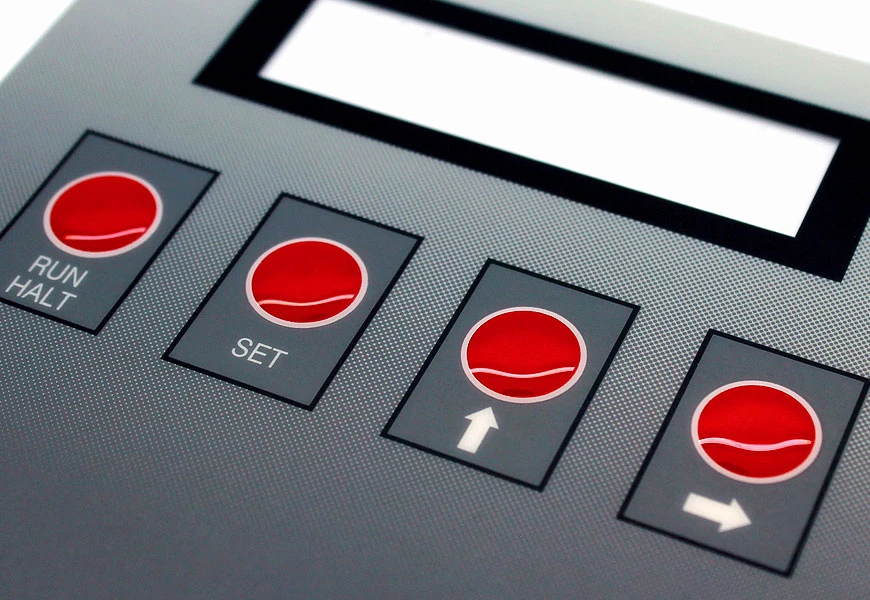
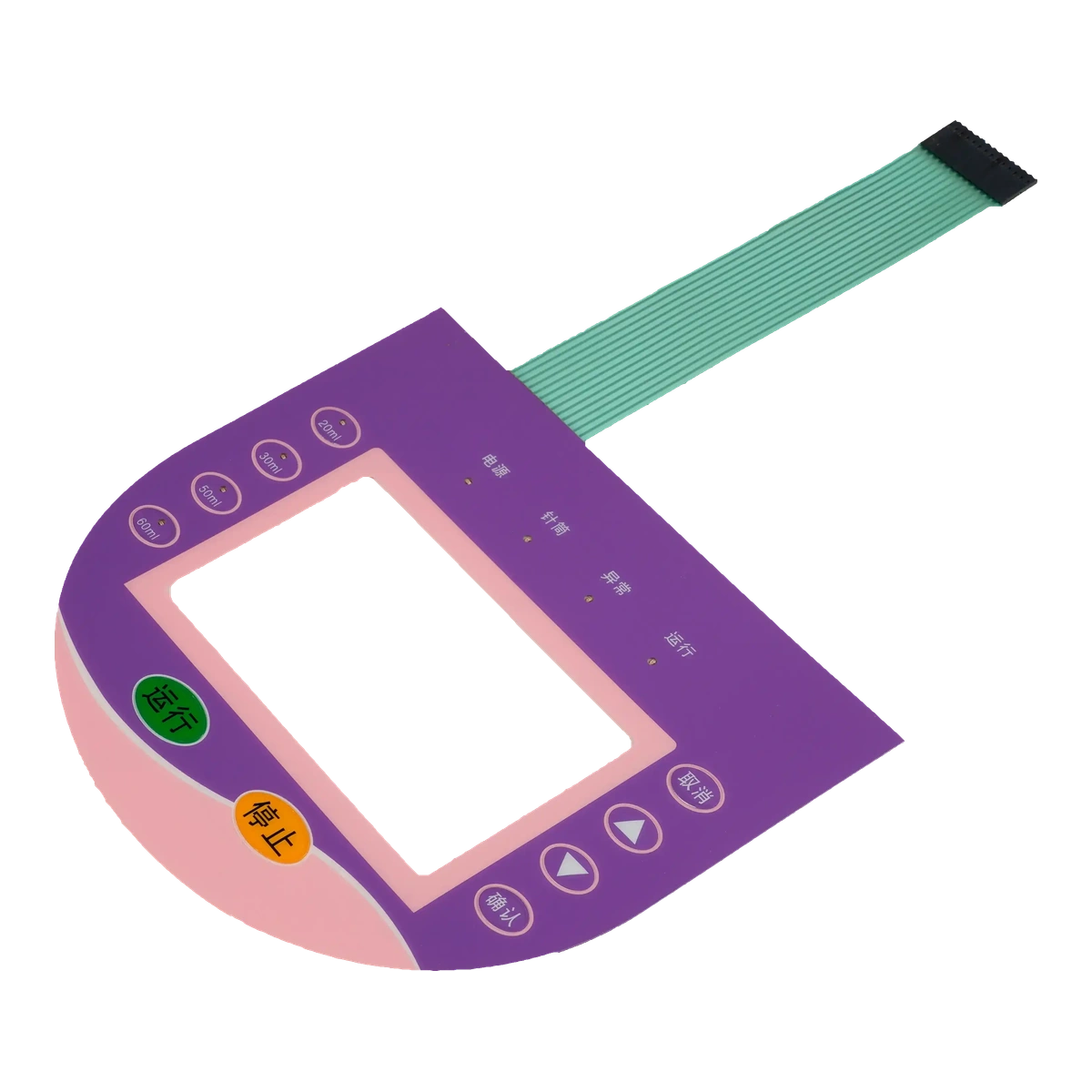
Custom graphic overlay with printed legends and a clear display window
Graphic overlay

Graphic Overlay With Display Window

A visible-surface project type covering window clarity, scratch expectations, printing registration, opacity, color references, adhesive keep-outs, cleaning exposure, handling, and particle-sensitive inspection.

Best for
Instrument faces, display covers, and equipment panels with clear windows
Design risk
Small cosmetic or registration defects becoming prominent around the display area
Review the display-window case
Three-dimensional capacitive touch control panel with printed icons and indicator areas
Capacitive touch

Capacitive Touch Control Panel

A flat-interface scenario that brings together cover thickness, sensor zones, grounding, nearby metal, LED integration, adhesive sealing, tail routing, enclosure geometry, and controller-side evaluation.

Best for
Appliances, instruments, access systems, and sealed flat controls
Design risk
Reviewing the printed surface without the sensor, electronics, grounding, and final housing
Review the capacitive touch case

Read the engineering decisions behind the interface

A useful case study explains more than the finished appearance. Use the same five questions when comparing these examples with your own application.

01

Application and user environment

Identify who operates the interface, where it is installed, how it is cleaned, and whether gloves, moisture, dust, UV, or low light affect use.

02

Interface challenge

Define the practical conflict to solve, such as sealing versus tail routing, clear windows versus cosmetic control, or backlighting versus opacity.

03

Materials and structure

Review the overlay, adhesive, spacer, dome, circuit, connector, gasket, light-management parts, sensor, and enclosure as one construction.

04

Manufacturing and inspection

Set expectations for printing, alignment, lamination, electrical checks, visual criteria, handling, sample approval, and revision control.

05

Buyer inputs

Prepare drawings, artwork, enclosure details, environment, connector information, and acceptance priorities so the review is specific to the project.

Find the closest starting point for your project

Each path connects the project type with an existing product or application page. Choose by the dominant design risk; a real product may combine several paths.

Medical applications

Cleaning, gloves, and a sealed key area

Begin with the medical equipment interface example, then compare material, artwork, tactile, and inspection requirements.

Explore medical interface planning
Industrial applications

Frequent operation on a machine or instrument

Begin with the industrial keypad example for key geometry, legends, connector planning, adhesive, and enclosure fit.

Explore industrial interface planning
Backlit membrane switches

Night visibility, status LEDs, or hidden icons

Begin with the backlit panel example for light blocking, diffusion, LED alignment, and lit and unlit approval.

View backlit membrane switches
Waterproof membrane switches

Rain, condensation, washdown, or outdoor exposure

Begin with the waterproof example and review the entire switch, adhesive, gasket, tail, connector, and enclosure assembly.

View waterproof membrane switches
Custom graphic overlays

A clear display window or appearance-critical overlay

Begin with the graphic overlay example for window quality, print registration, cleaning exposure, adhesive layout, and handling.

View custom graphic overlays
Capacitive touch panels

A flat touch surface integrated with electronics

Begin with the capacitive touch example and involve mechanical and electronics teams in the same review.

View capacitive touch panels

Questions about these case studies

Are these case studies tied to public customer names?

No. They are anonymous project-type examples. They do not identify a customer or imply that a pictured product belongs to a named program.

Do the examples prove a certification, protection rating, or measured performance?

No. Any certification outcome, enclosure protection level, test result, lifetime value, or other measured claim must come from project-specific evidence and an agreed validation method.

Can these examples replace an engineering review?

No. They help buyers recognize common decisions, but each project still needs its own drawing, artwork, enclosure, environment, electrical interface, and acceptance criteria reviewed.

What should I send when my project resembles one of these cases?

Send the latest drawing or sketch, artwork, enclosure information, operating environment, connector or electronics details, target quantity for quotation context, and the checks that matter during sample approval.

Can real customer photographs or results be added later?

Yes, but only when JASPER has written permission to publish the assets and supporting records for every specific factual claim.

Bring us the interface problem, not just a finished specification

Share the application, drawing, enclosure, artwork, use environment, connector or electronics constraints, and inspection priorities. JASPER can help organize the open decisions before quotation or sample planning.