
Cleaning, abrasion, UV
The overlay film and hard coat should match the real handling method.
Choose PET, PC, texture, gloss, and print protection early.A reliable control interface is chosen from the working environment first: cleaning method, water exposure, glove use, public abrasion, connector routing, backlighting, and service life all change the stack.
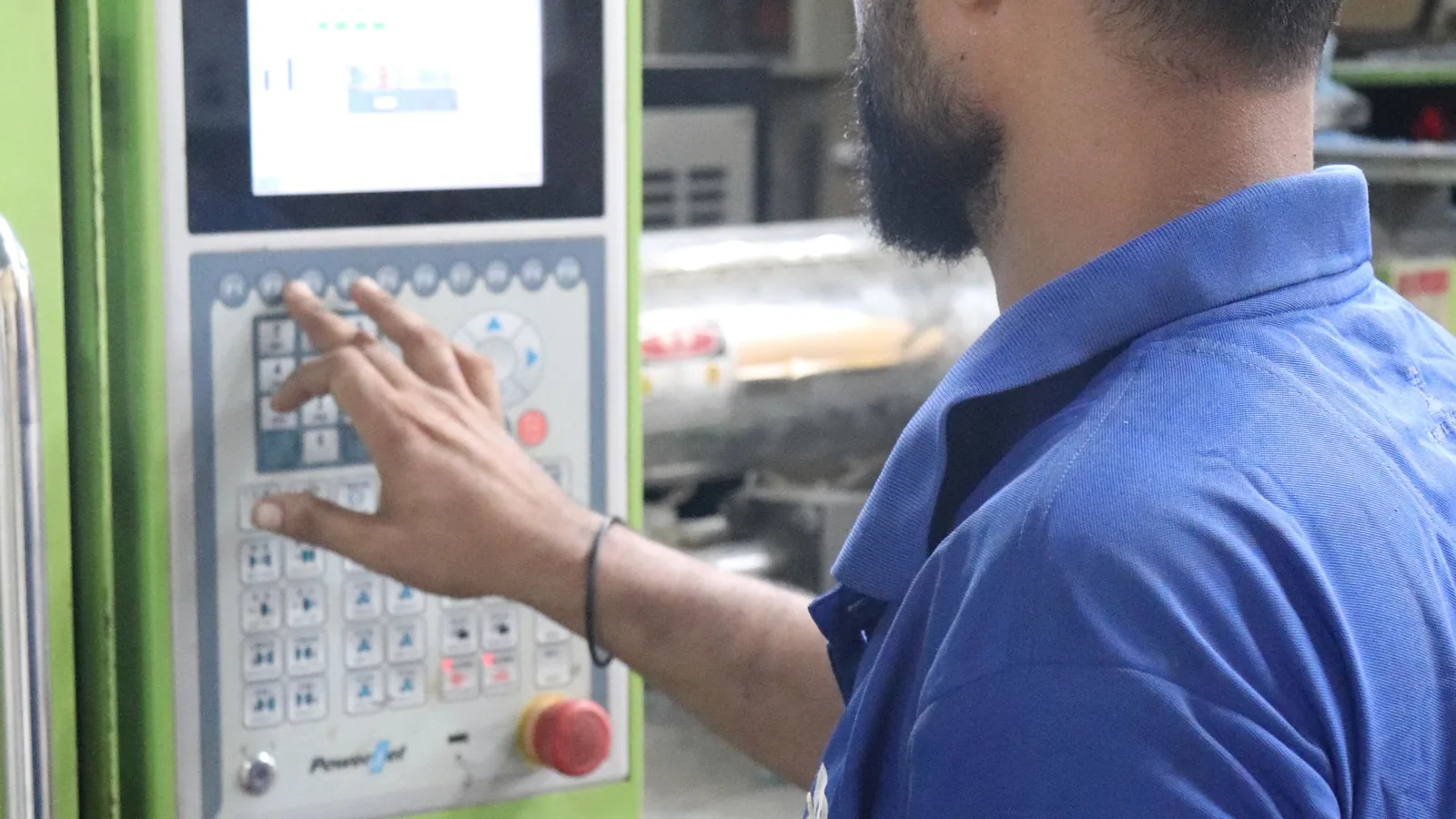
Each path explains the real design decisions a buyer should confirm before locking the drawing, tooling, and sample approval plan.
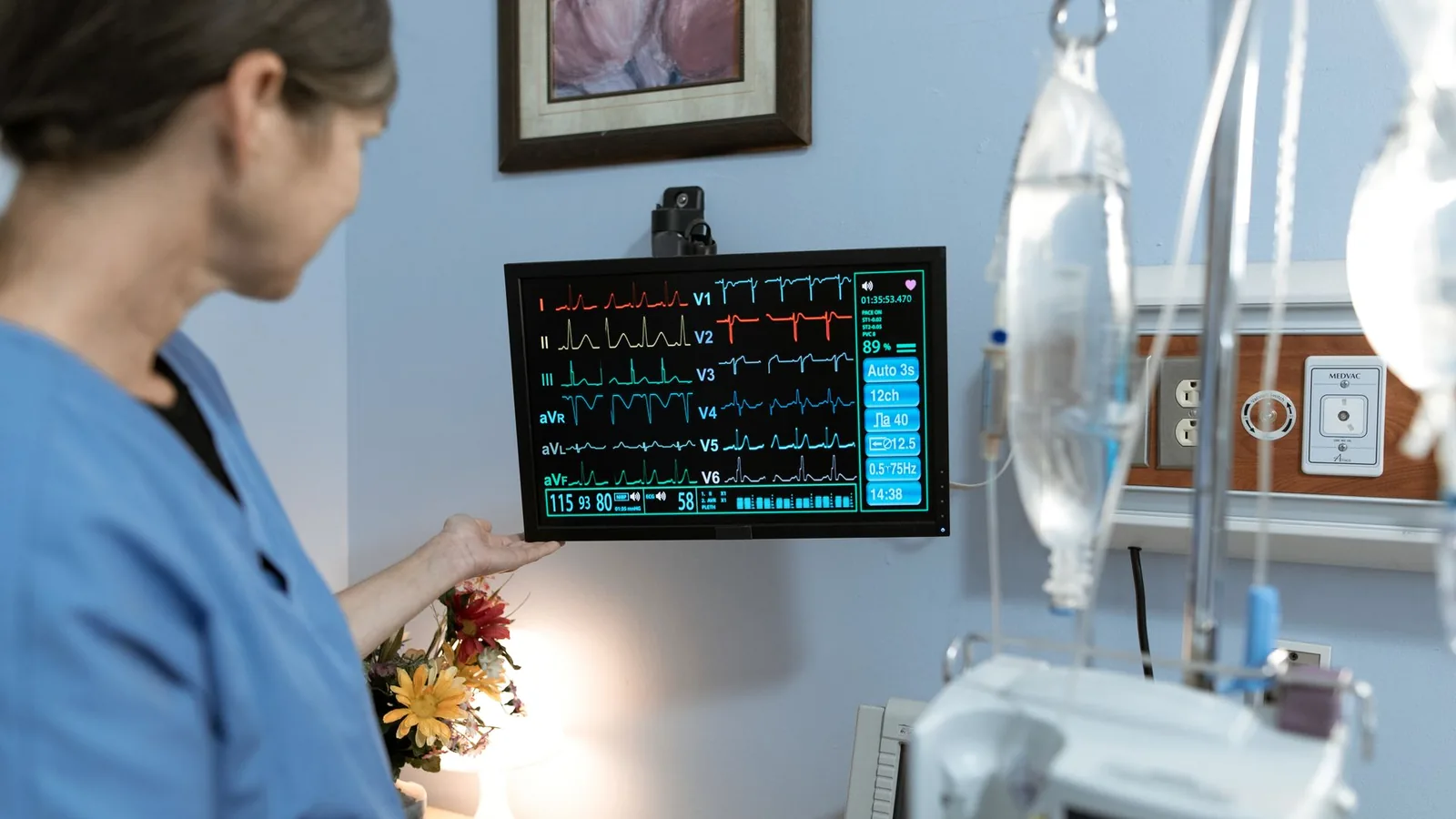
Wipe-clean overlays, controlled tactile feel, stable legends, and documented material decisions for diagnostic and treatment equipment.
Glove-friendly key spacing, abrasion resistance, tail exits, labels, LEDs, and enclosure bonding for factory equipment.

Sealed key areas, UV-stable graphics, drainage thinking, adhesive land, window edges, and IP target planning.
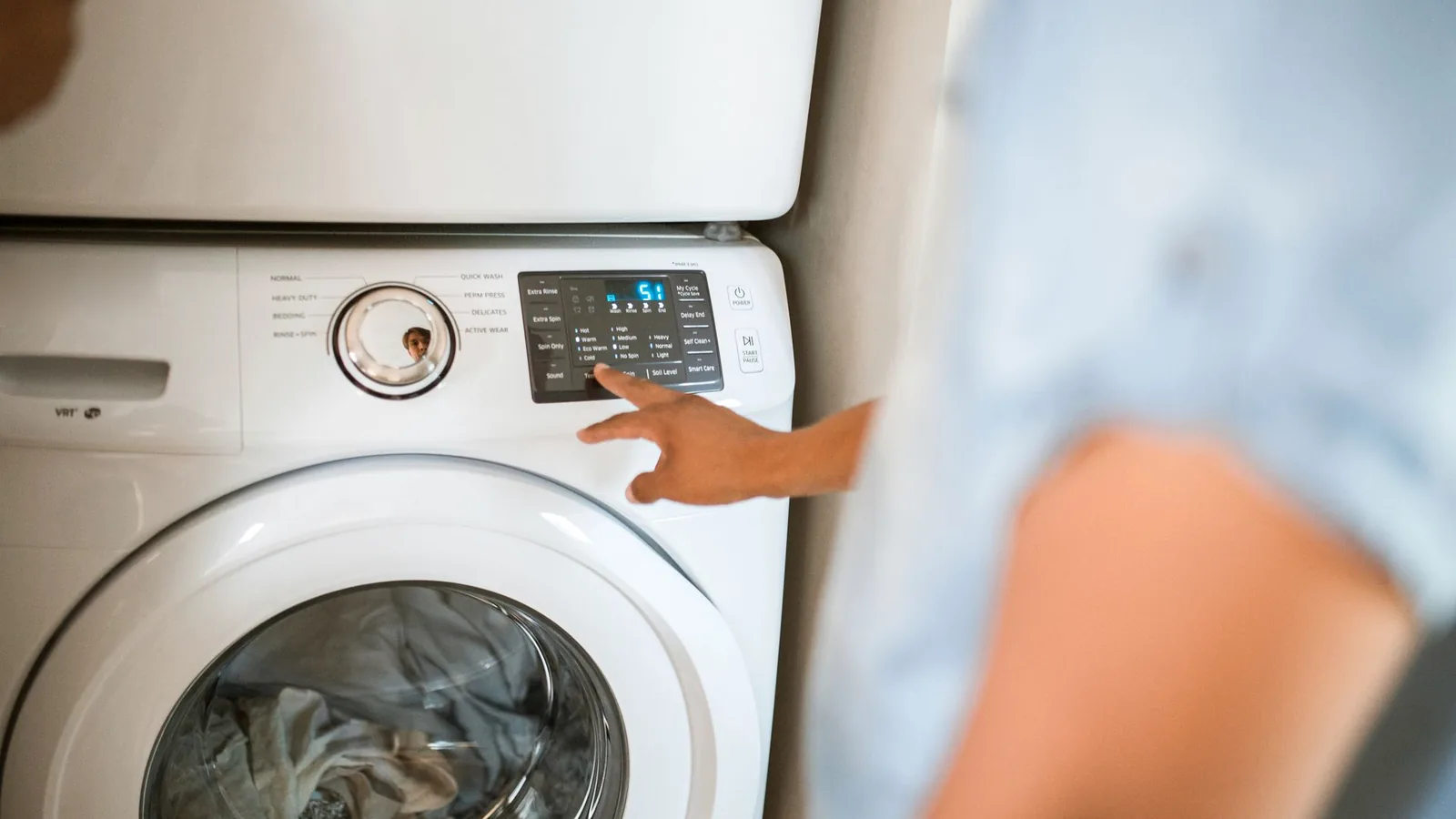
Cosmetic finish, touch icons, LED windows, cleaning resistance, and repeat color control for household and commercial appliances.
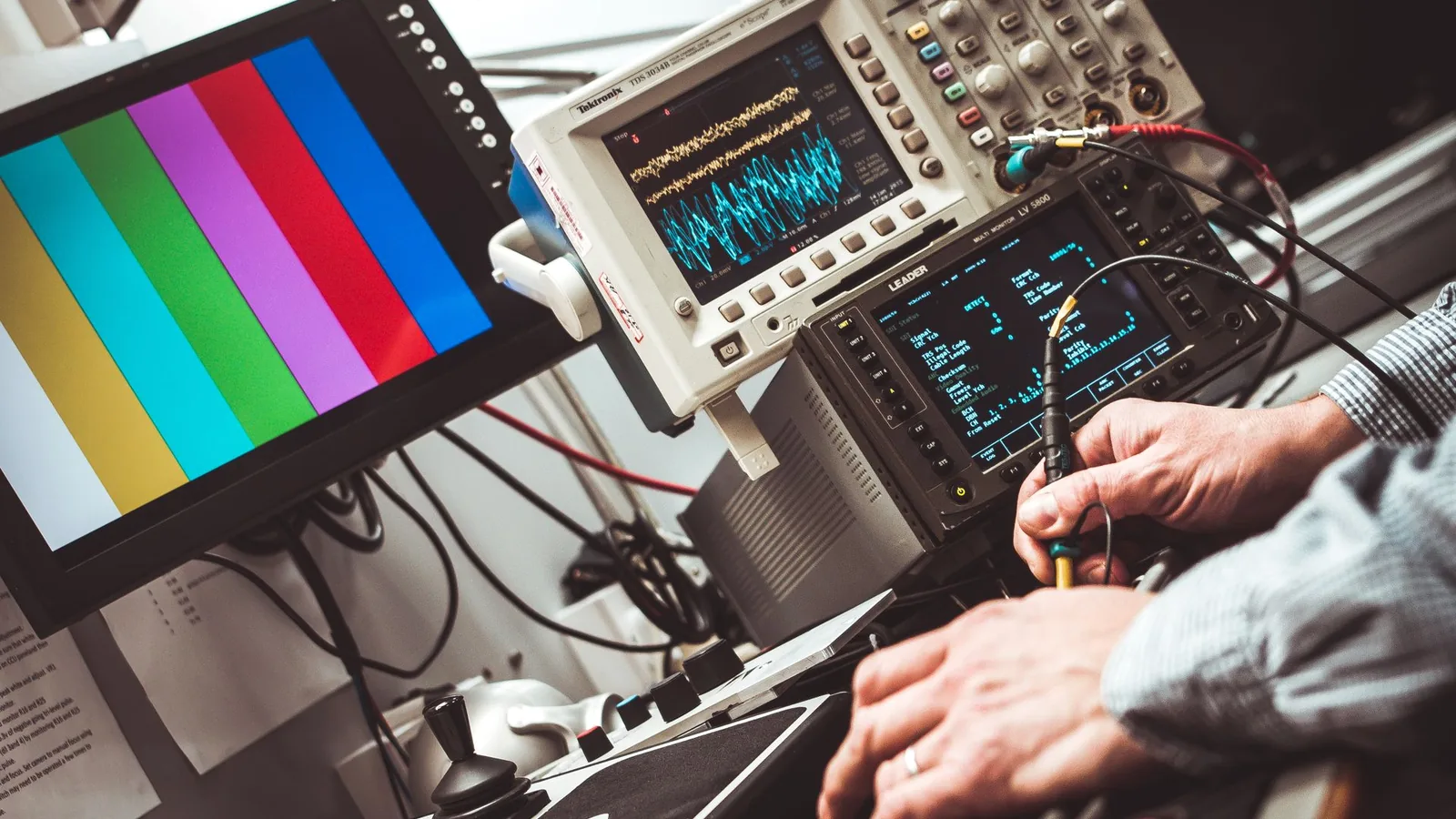
Compact legends, display windows, feedback feel, connector pitch, and inspection points for measuring and monitoring instruments.
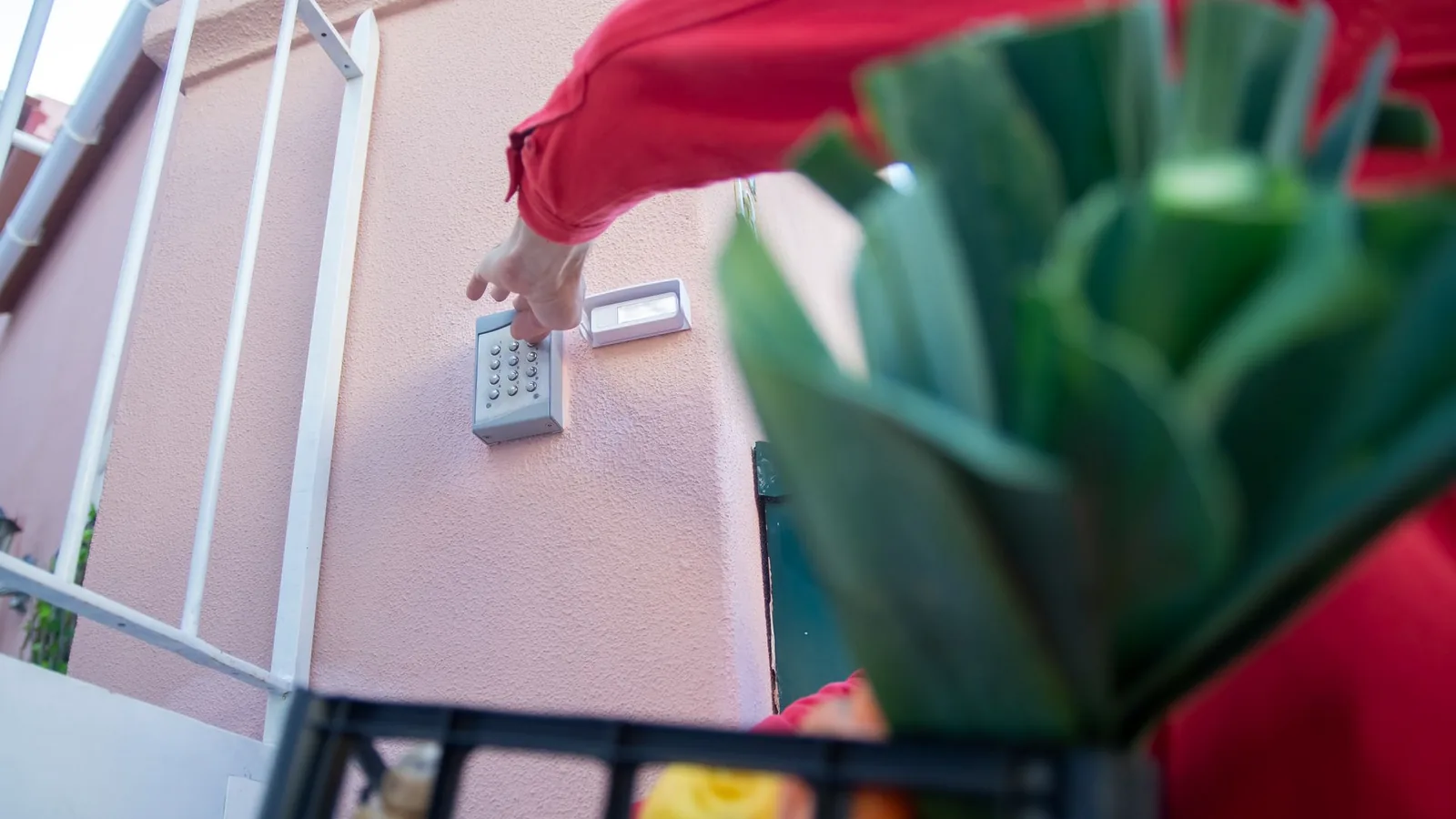
Durable legends, moisture protection, public use, night visibility, and cable routing for access panels and control stations.
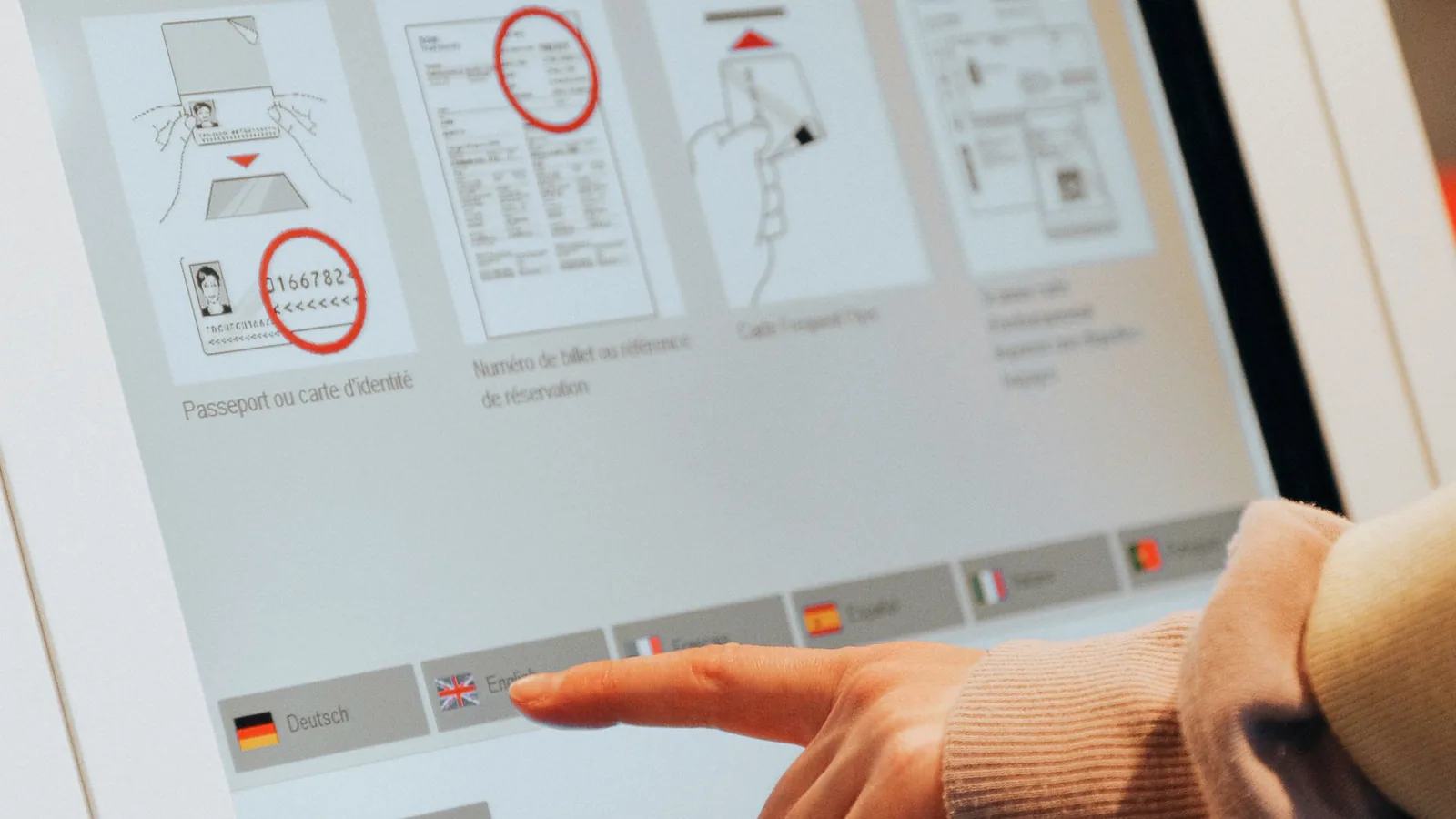
Rugged overlay surfaces, serviceable cable exits, consistent legends, impact exposure, and sample checks for public equipment.

Moisture, UV, chemicals, edge sealing, adhesive selection, and housing fit for pool, spa, and marine control boxes.
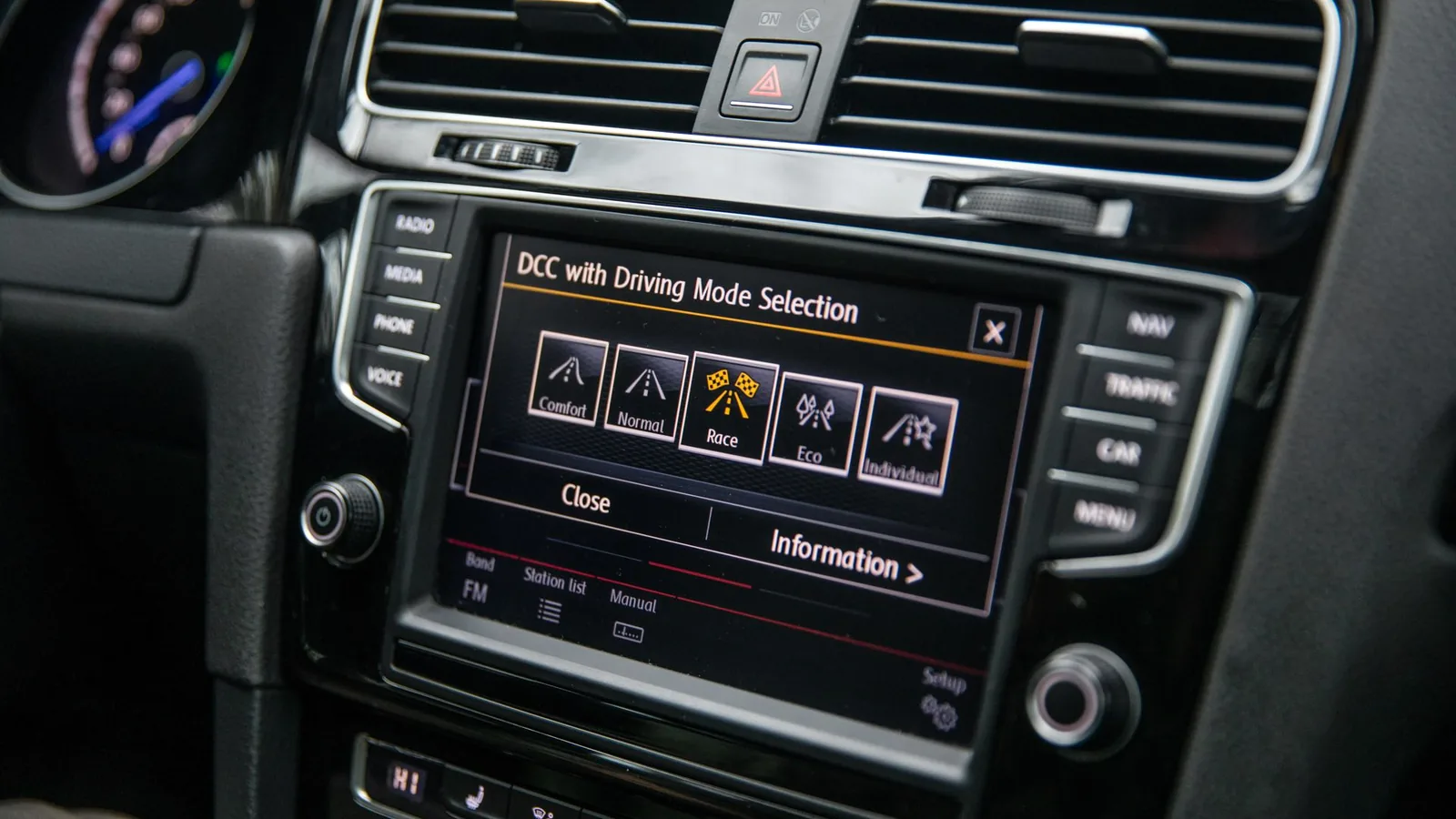
Cosmetic consistency, heat exposure, connector discipline, backlighting, and assembly fit for vehicle electronic modules.
Two interfaces can look similar on a screen and still need different films, spacers, adhesives, circuits, and inspections once the enclosure and environment are known.
Prepare RFQ detailsThe overlay film and hard coat should match the real handling method.
Choose PET, PC, texture, gloss, and print protection early.Failures often start at the perimeter, window, or cable exit.
Review adhesive land, venting, tail direction, and IP target together.Key force and spacing should match the user, not a catalog default.
Confirm dome force, key pitch, embossing, and actuation life.The stack must survive assembly and remain testable in production.
Send housing notes, pinout, sample quantity, and inspection needs.The same customer project can include more than one interface part. Use these product families to frame the first engineering review.
Thin sealed control panels with printed circuits, domes, tail exits, overlays, and connectors.
Membrane switch servicePrinted PET or PC front layers for labels, windows, dead-front icons, texture, and adhesive backing.
Overlay optionsMolded key travel, carbon pills, coatings, laser legends, and backlight control for tactile modules.
Silicone keypad optionsFlexible printed sensing circuits for automotive seating and related presence-detection projects.
Seat sensor optionsSmooth sealed HMI surfaces with sensor routing, controller review, grounding, and water/glove tuning.
Touch panel optionsIntegrated overlay, switch, PCB or FPC, hardware, cable, and test plan for a drop-in module.
HMI assembly servicePrinted conductive layouts for medical electrode pads and other flexible circuit-based electrode parts.
Electrode pad capabilityShort answers for purchasing and engineering teams before they send the first drawing.
Start with the application. Environment, cleaning, water, glove use, and enclosure fit decide whether a membrane switch, overlay, silicone keypad, capacitive panel, HMI assembly, sensor, or electrode pad is the better route.
Yes. Many HMI projects combine a graphic overlay, membrane switch, PCB or FPC, connector, gasket, and mechanical hardware.
A complete drawing is best, but a photo, old sample, enclosure sketch, or preliminary outline can start the engineering discussion.
JASPER can review printed conductive layouts for electrode-pad style parts when the work depends on circuit printing and converted flexible layers. The buyer remains responsible for clinical, regulatory, and final device validation.
Material, adhesive, circuit density, connector, dome count, backlighting, testing, and environment can change cost even when the front graphic looks simple.
Send the environment, drawing status, and target product family. JASPER can help turn the application risk into a buildable interface specification.
Share the project basics. JASPER will review the stack, materials, connector, quantity, and production risks.