
Channel and key map
ControlAssign a stable identifier to every key, slider segment, wheel segment, indicator, connector position, and host event.
Failure modeArtwork, circuit, firmware, and test records use different names for the same control.
A capacitive touch keypad organizes multiple discrete keys, optional sliders or wheels, channel assignments, neighboring-key rules, feedback, lighting, and host states behind one sealed graphic surface.
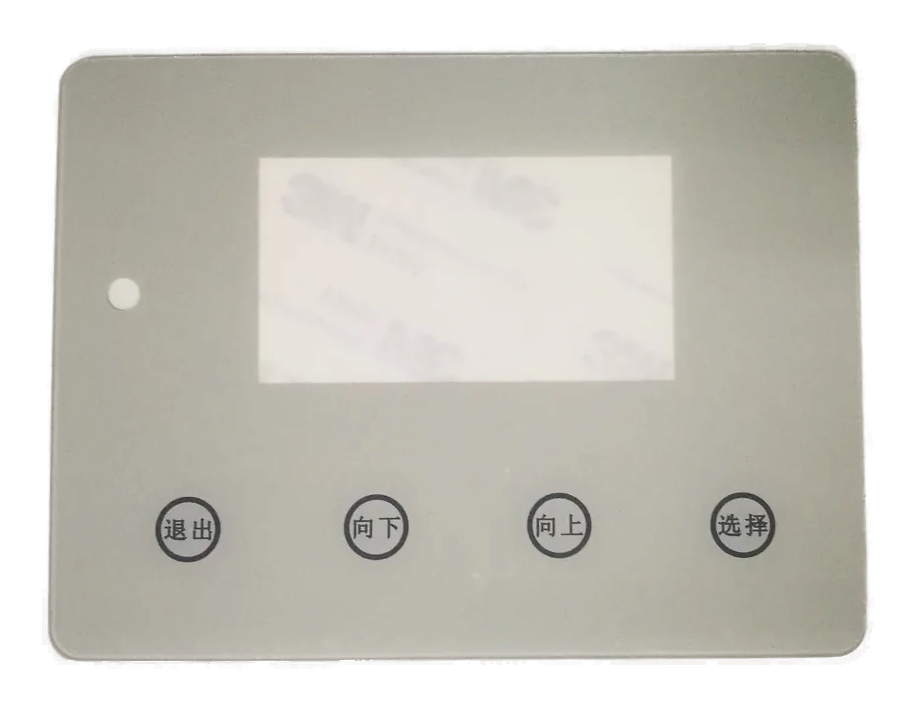
A capacitive touch keypad places several discrete sensing zones behind one printed front. Each zone needs a channel identity, function, neighboring-key relationship, feedback rule, and host response.
Sliders and wheels can be added when the controller and host are designed to interpret ordered segments or position-related changes. They should be documented separately from ordinary keys so filtering and feedback do not become ambiguous.
Use this route when the interface is a coordinated array of fixed commands. Use the PCAP route when the host must resolve general touch coordinates across a display or active area.
A keypad is complete only when every physical zone and every software event point to the same released identity.
Assign a stable identifier to every key, slider segment, wheel segment, indicator, connector position, and host event.
Failure modeArtwork, circuit, firmware, and test records use different names for the same control.
Define allowed pairs, rejected pairs, priority rules, palm cases, held keys, and neighboring-key behavior.
Failure modeA second finger creates an unintended command or suppresses the required one.
Release segment order, entry and exit behavior, direction, wrap rules, taps, holds, jumps, and cancellation.
Failure modeThe controller reports movement that the host interprets as a different action.
Define local light, sound, haptic, display, and host acknowledgment for active, blocked, pending, completed, and fault states.
Failure modeA disabled key appears available or a detected touch is shown as completed.
Coordinate sensing traces, indicator circuits, light barriers, connector assignment, returns, and test access.
Failure modeLighting conductors or neighboring channels disturb sensing, or illumination identifies the wrong key.
Document gloves, moisture, cleaning, palm contact, wake, lock, menu context, timeout, disconnect, and host recovery.
Failure modeThe same physical input performs an unsafe or confusing action in a different system state.
The release package should make the key identity, channel identity, electrical route, feedback, and software behavior traceable without interpretation.
| Decision | Options to Review | Release Question |
|---|---|---|
| Key layout | Numeric, function, navigation, grouped commands, mode keys, confirmation keys, or project array | What does each printed zone request in every relevant host state? |
| Channel map | Direct channels, matrixed assignment, controller groups, slider segments, wheel segments, and spare channels | Do artwork, circuit, connector, firmware, and test fixture use the same identifiers? |
| Neighbor behavior | Single-key priority, allowed combinations, rejected combinations, palm rejection, held input, and lockout | What should happen when more than one zone is influenced? |
| Slider or wheel | Ordered segments, directional movement, tap zones, hold zones, wrap behavior, cancellation, and inactive regions | How are ambiguous entry, reversal, jump, and release events interpreted? |
| Feedback hierarchy | Local indicator, shared indicator, sound, haptic, display message, controller event, and host confirmation | Which response means detected, accepted, pending, completed, blocked, or faulted? |
| Lighting and routing | Individual icons, grouped zones, dead-front states, shared circuits, sensing routes, returns, barriers, and connector pins | Can sensing and lighting remain correctly assigned in every powered state? |
| Host state model | Wake, locked, menu-dependent, cleaning, disabled, fault, disconnected, recovering, or project-defined state | Which inputs are accepted, ignored, queued, or acknowledged in each state? |
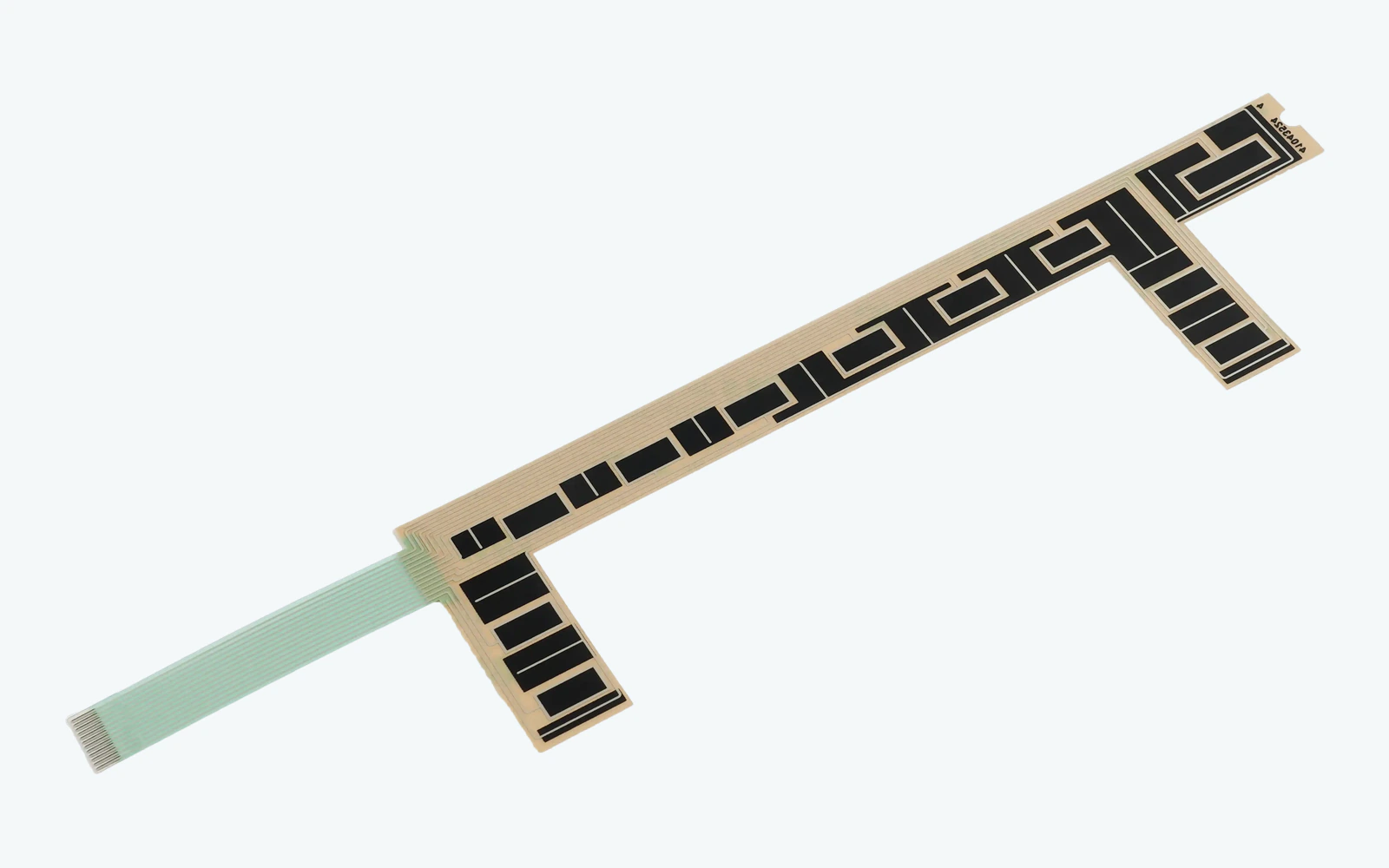
A reliable keypad map connects the visible legend to an electrode, sensing channel, connector position, controller event, firmware name, host action, indicator, and test result. One identifier should survive that entire path.
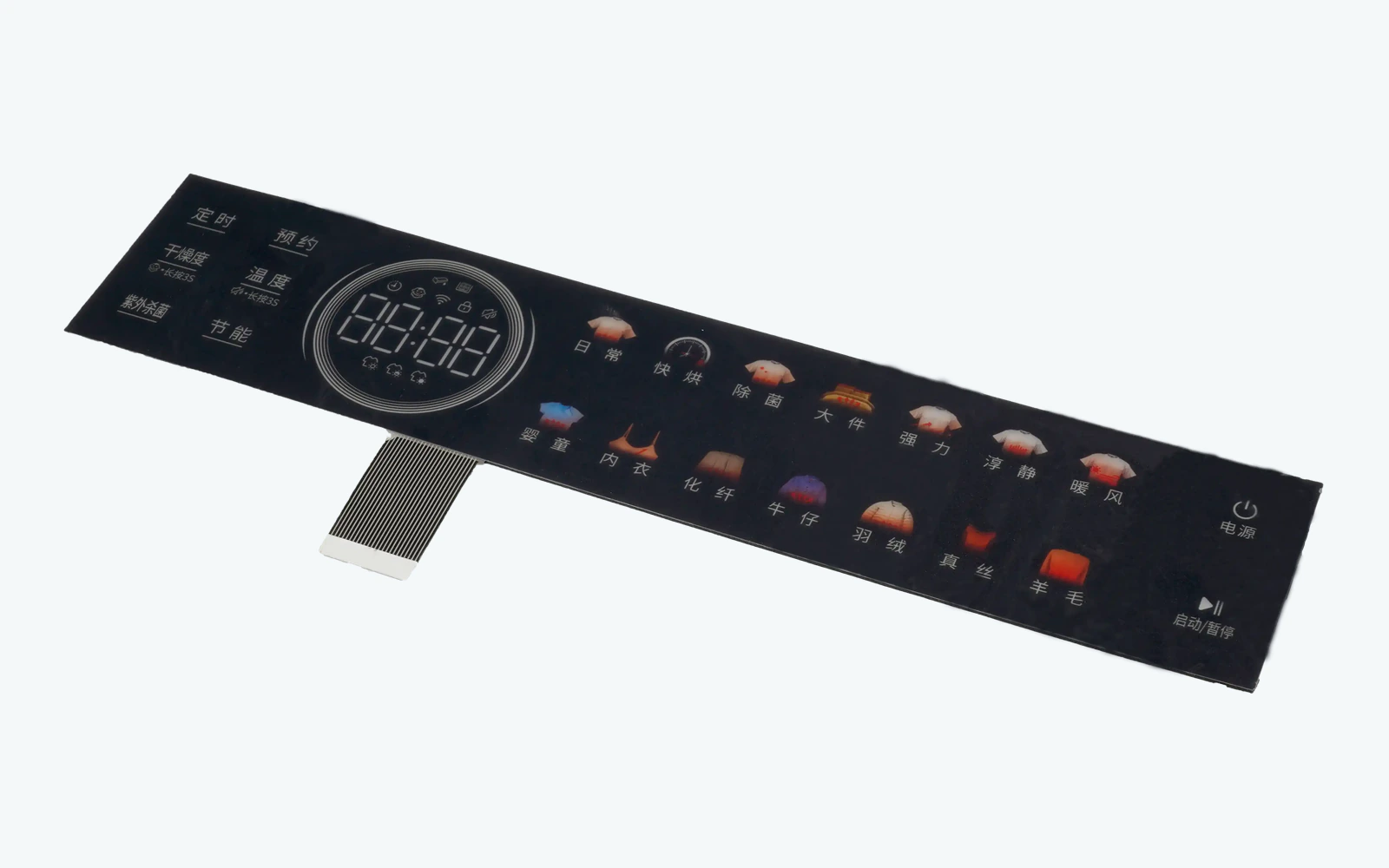
A keypad often changes meaning with menu context, lock state, cleaning mode, wake state, or host availability. Lighting and feedback should reveal that context instead of presenting every printed key as continuously active.
List every key, slider, wheel, indicator, menu context, disabled state, combination, and host action.
Align printed zones, electrodes, routes, connector assignments, controller channels, event names, and test points.
Assign active, blocked, pending, completed, and fault indications plus light grouping and priority.
Exercise adjacent, simultaneous, held, gloved, wet, cleaning, wake, disabled, slider, wheel, and recovery cases.
Lock artwork, circuit, channel map, controller file, firmware names, host state table, inspection, and retest triggers.
Check electrode spacing, channel mapping, routing coupling, palm contact, operator approach, and adjacent-input rules.
Trace controller detection, firmware gating, menu context, host lockout, queued events, and displayed feedback.
Review segment order, route consistency, entry and release rules, reversal handling, dead regions, and host interpretation.
Compare local indication, controller acknowledgment, host acceptance, command completion, and competing-state priority.
These products need several discrete commands under one sealed surface with a controlled channel map and state model.
Numeric entry, function keys, lock states, confirmation, and controlled neighboring-key behavior.
Mode selection, navigation, parameter entry, acknowledgment, and context-dependent command groups.
Wipe-clean key arrays with cleaning mode, disabled functions, alarm feedback, and host confirmation.
Program keys, sliders, wheels, timers, grouped lighting, and menu-dependent behavior.
Sealed multi-key fronts reviewed around gloves, moisture, lighting states, interlocks, and host recovery.
Dense function arrays, navigation, channel selection, display feedback, and revision-controlled event maps.
A front artwork draft plus a simple list of host actions can reveal mapping and feedback conflicts before the circuit and graphics are locked.
It is a sealed front interface containing multiple discrete sensing zones with a released key map, channel map, feedback plan, and host behavior.
The sensing principle may be similar, but a keypad adds shared mapping, neighboring-key rules, simultaneous input, grouped feedback, lighting priorities, and context-dependent host behavior.
Yes, when segment order, direction, entry, release, reversal, cancellation, feedback, channel assignment, and host interpretation are documented and validated together.
Define whether the controller ignores detection, reports a blocked event, wakes the host, or gives local feedback. The visible state should not imply that an unavailable command was accepted.
Include every printed key, electrode, controller channel, connector position, event name, host action, indicator, slider or wheel segment, spare channel, and test reference.
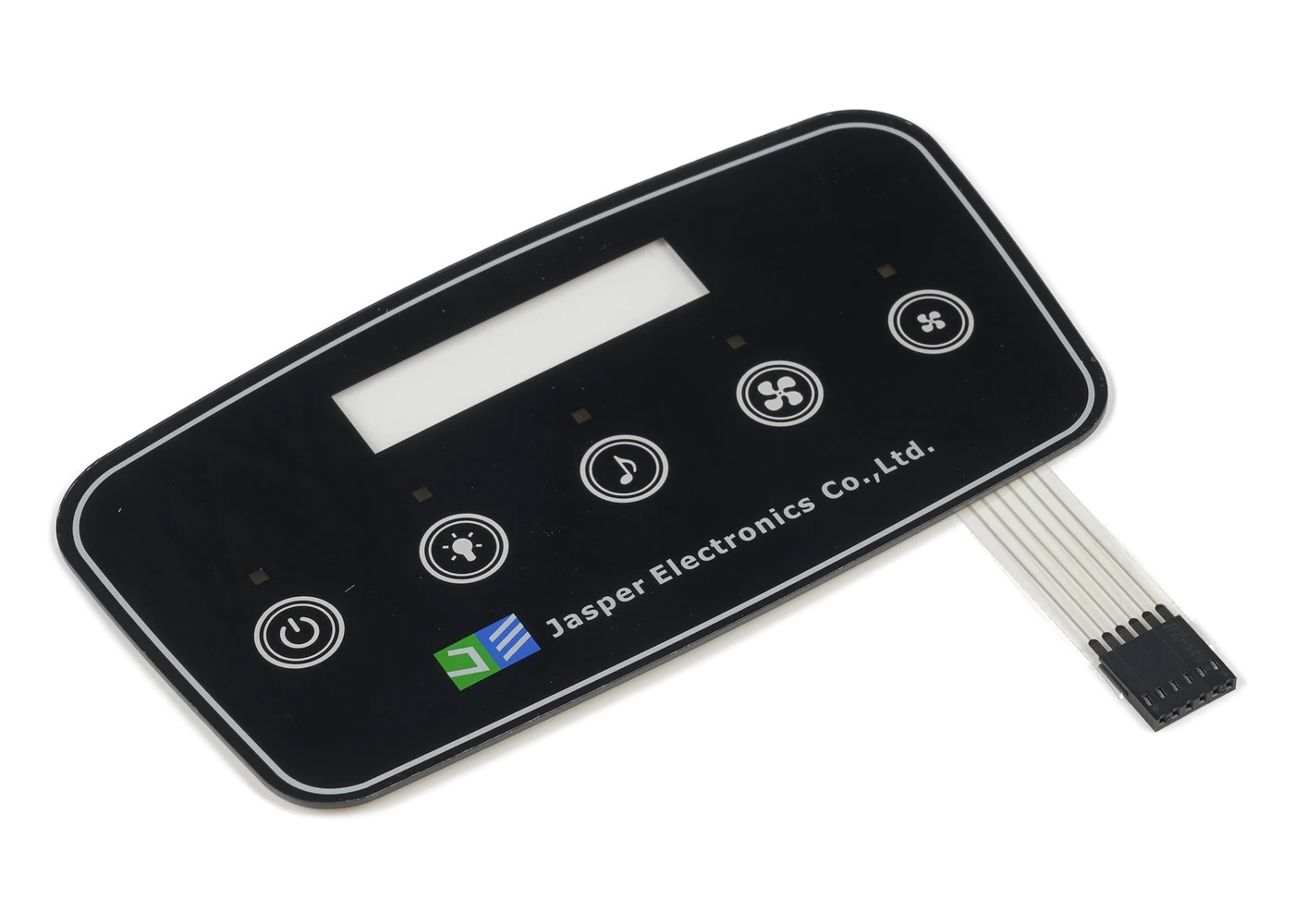
Compare the complete family by input model, optical needs, and supplied assembly boundary.
Review Resource
Use the switch route when each discrete command can be reviewed independently.
Review Resource
Coordinate key identity, powered-state graphics, light grouping, and feedback priority.
Review ResourceJASPER can review the key array, slider or wheel, electrodes, routing, lighting, operator states, feedback hierarchy, host behavior, and production evidence as one capacitive touch keypad project.
Share the project basics. JASPER will review the stack, materials, connector, quantity, and production risks.