
OFF
ApproveConcealment, surface match, reflections, pinholes, and visible rear structure.
Hidden failureGhost icons, color patches, edge halos, or print defects.
Rigid glass nameplates and dead-front panels built around your artwork, display, touch zones, enclosure, and mounting method. JASPER coordinates the glass route, second-surface print, windows, edges, optical states, and first-article evidence before production.
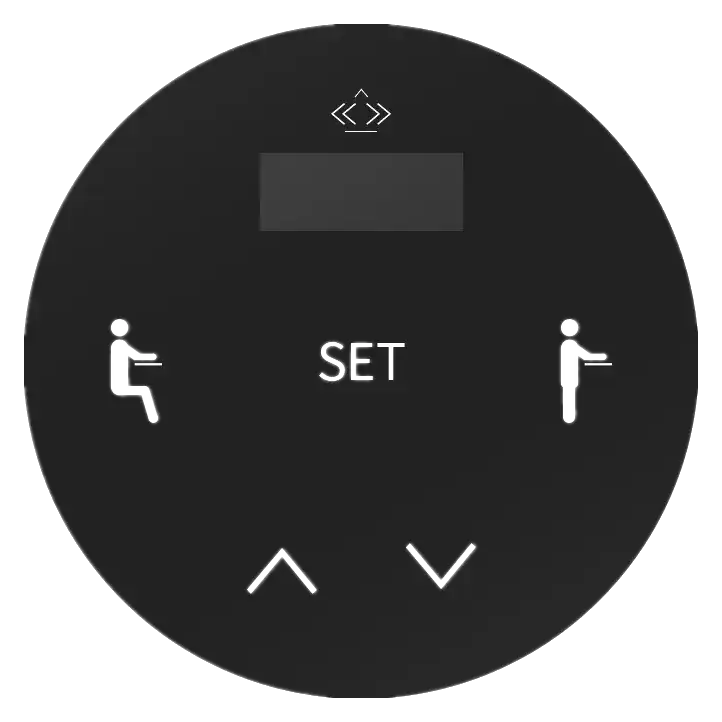
A custom glass nameplate is a rigid printed glass part used on the front of equipment. It can combine branding, fixed legends, a clear or tinted display window, hidden indicators, touch-zone graphics, finished edges, holes, and a controlled mounting boundary.
The glass is only one layer of the product decision. Print side and layer order, optical zones, display and LED positions, edge quality, processing sequence, adhesive or hardware, support, cleaning, and installed inspection determine whether the panel works on the real equipment.
The useful quotation review connects the artwork to physical datums. A visually correct loose sample can still fail if the display clips, an icon blooms, a touch zone shifts, the edge conflicts with the bezel, or the mounting stack stresses the glass.
Do not approve one attractive photograph and infer the rest. Each state answers a different product question and needs its own evidence.
Concealment, surface match, reflections, pinholes, and visible rear structure.
Hidden failureGhost icons, color patches, edge halos, or print defects.
Icon shape, brightness balance, color, isolation, and viewing angle.
Hidden failureBloom, hot spots, dim edges, or adjacent-zone leakage.
Active image, mask overlap, tint, border, and readable viewing cone.
Hidden failureClipped pixels, haze, print intrusion, or shifted window position.
Printed symbol to sensor alignment and stable installed response.
Hidden failureWeak zones, false activation, drift, or adjacent-key coupling.
Glass, print, sensor, light, display, housing, and mounting datums.
Hidden failureA correct loose panel that shifts or stresses after installation.
Fixture, backing, source, camera or instrument, and sample state.
Hidden failureA test result that cannot reproduce the real product condition.
These decisions interact. The final drawing should describe the approved project route instead of listing disconnected options.
| Decision | Options to Review | Release Question |
|---|---|---|
| Glass route | Annealed, heat-treated, chemically strengthened, coated, or supplier-defined cover glass | Which construction fits the impact, optical, edge, and process-sequence requirements? |
| Thickness and support | Thin cover glass through a more self-supporting front panel | How is the glass supported, captured, spaced, and protected from bending or point loads? |
| Printing | Second-surface print, opaque masks, translucent color, hidden icons, display borders | Which layer order, material identity, cure or firing route, and viewing side are approved? |
| Windows and lighting | Clear, tinted, masked, dead-front, LED, segment, LCD, or OLED zones | What should each zone show OFF, ON, and across the required viewing angles? |
| Touch interface | Printed touch legends over a separate capacitive sensor and controller stack | Which cover, print, adhesive, air, ground, display, and firmware configuration is validated? |
| Edges and features | Finished edges, corner radii, holes, slots, notches, and bezel clearances | Which geometry must be completed before strengthening or coating, and what later rework is allowed? |
| Surface and cleaning | Gloss, glare-control, anti-reflective, fingerprint-control, or project-specific coating | Which cleaner, handling, reflection, and display-readability conditions must be accepted? |
| Mounting and sealing | Full or selective adhesive, bezel capture, holes, hardware, or combined mounting | What surface, flatness, seal land, assembly force, service method, and enclosure test apply? |
The OFF panel must hide the intended structure without creating visible patches. The ON panel must reveal the right information without bloom, leakage, or clipped display content.
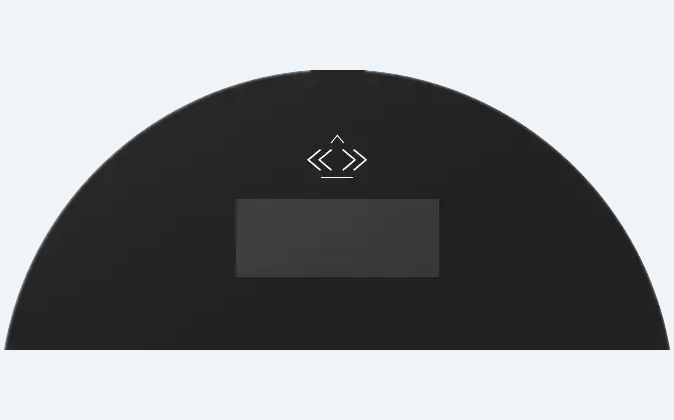
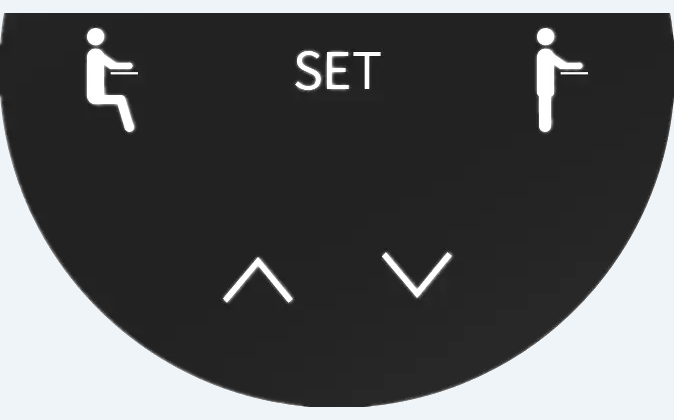
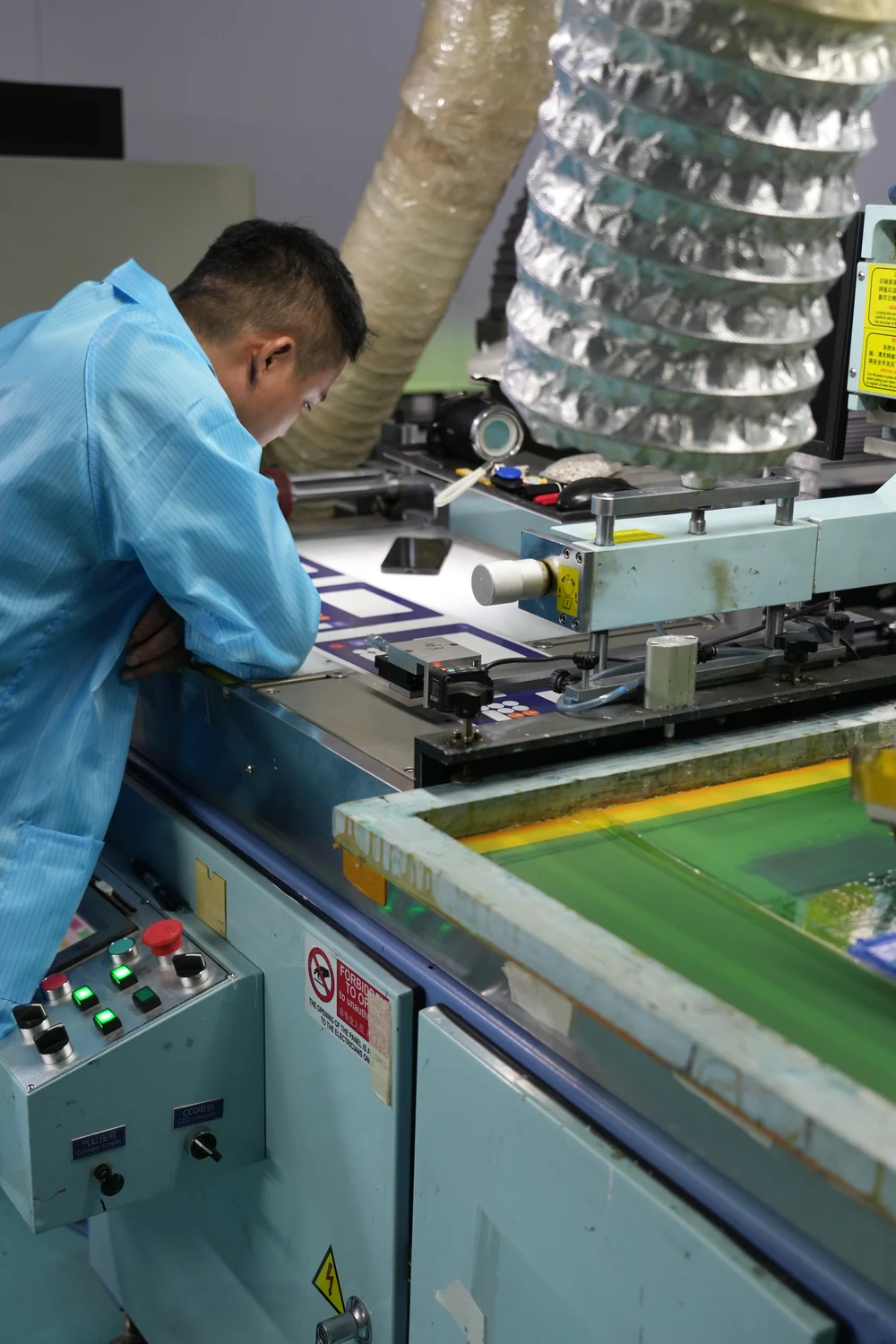
Holes, edge finishing, strengthening, coatings, printing, adhesive, sensor bonding, and display assembly cannot be released as independent line items. Confirm the permitted sequence with the selected glass and process suppliers before the drawing locks it.
Identify the approved glass family, surface, orientation, thickness direction, and processing state.
Control viewing side, artwork revision, layer function, material identity, sequence, and registration datum.
Define adhesive land, clear zones, edge support, flatness, assembly pressure, and service expectations.
Locate the display, LEDs, diffuser, touch sensor, controller, housing, and inspection fixture from shared datums.
Glass, acrylic, flexible film, and metal can all carry graphics, but they create different optical, mechanical, and assembly responsibilities.
Rigid premium front, display window, dead-front icons, or touch-facing surface
Confirm process order, edge risk, support, optical stack, and installed alignment
Lightweight rigid faceplate, cover lens, shaped window, or diffuser
Confirm scratch exposure, machining, support, cleaner, and glare
Flexible low-profile printed face or membrane-switch top layer
Confirm film, embossing, finish, flex, windows, and adhesive
Permanent identification under heat, abrasion, solvents, or long service
Confirm alloy, marking, corrosion, holes, fasteners, and grounding
Align the product state, display, lighting, touch, enclosure, mounting, and service plan.
Confirm material, edge features, strengthening or coating, print, and allowed rework order.
Map every fixed graphic, hidden icon, display border, touch symbol, datum, and acceptance state.
Approve OFF, ON, display, touch, fit, edge, bond, and appearance on the real assembly.
Lock revisions, process identity, fixture, evidence, packaging, and change-trigger rules.
A light box or loose visual check is not enough when the product uses a specific display, LED, diffuser, sensor, housing, or backing. The inspection method should locate the panel from product datums and reproduce the states that matter.
The common requirement is a rigid printed optical front, not a particular market label.
Display masks, status icons, touch graphics, cleaning review, and compact equipment fronts.
Dense legends, display windows, fixed indicators, wipeable surfaces, and revision control.
Quiet OFF appearance, illuminated states, touch zones, and brand treatment.
Display borders, status lighting, outdoor-facing enclosure review, and service access.
Backlit indicators, display windows, touch controls, edges, and installed alignment.
Public-use display fronts, touch symbols, instructions, mounting, and cosmetic acceptance.
Early files are welcome. A layered PDF or vector file plus a dimensioned panel and enclosure drawing is enough to begin the route review.
No. Both can carry printed graphics and windows, but glass is a harder, heavier rigid front surface with different edge, impact, processing, and mounting constraints. Acrylic is lighter and often easier to machine. The enclosure, optical stack, exposure, and service plan should decide the route.
Yes. Clear, tinted, masked, and dead-front zones can share one glass panel. Approve the OFF appearance, powered icon or display view, window border, light leakage, color, viewing angle, and installed alignment together.
Only after the glass supplier and manufacturing sequence are reviewed. Strengthening, holes, edge work, coatings, printing, and later rework can constrain one another. The released drawing should name the approved construction and process order for the project.
It can, but touch performance belongs to the complete stack: glass, printed layers, adhesive, air gaps, sensor, controller, grounding, display, housing, moisture, and firmware. Validate the production-intent assembly rather than loose glass over a bench sensor.
Send layered vector artwork, a dimensioned glass drawing, window and icon map, display and lighting information, touch zones, edge and hole details, mounting surface, adhesive or hardware concept, environment, quantity, and first-article acceptance requirements.

Compare all flexible, rigid, label, domed, and metal front-surface routes.
Review Product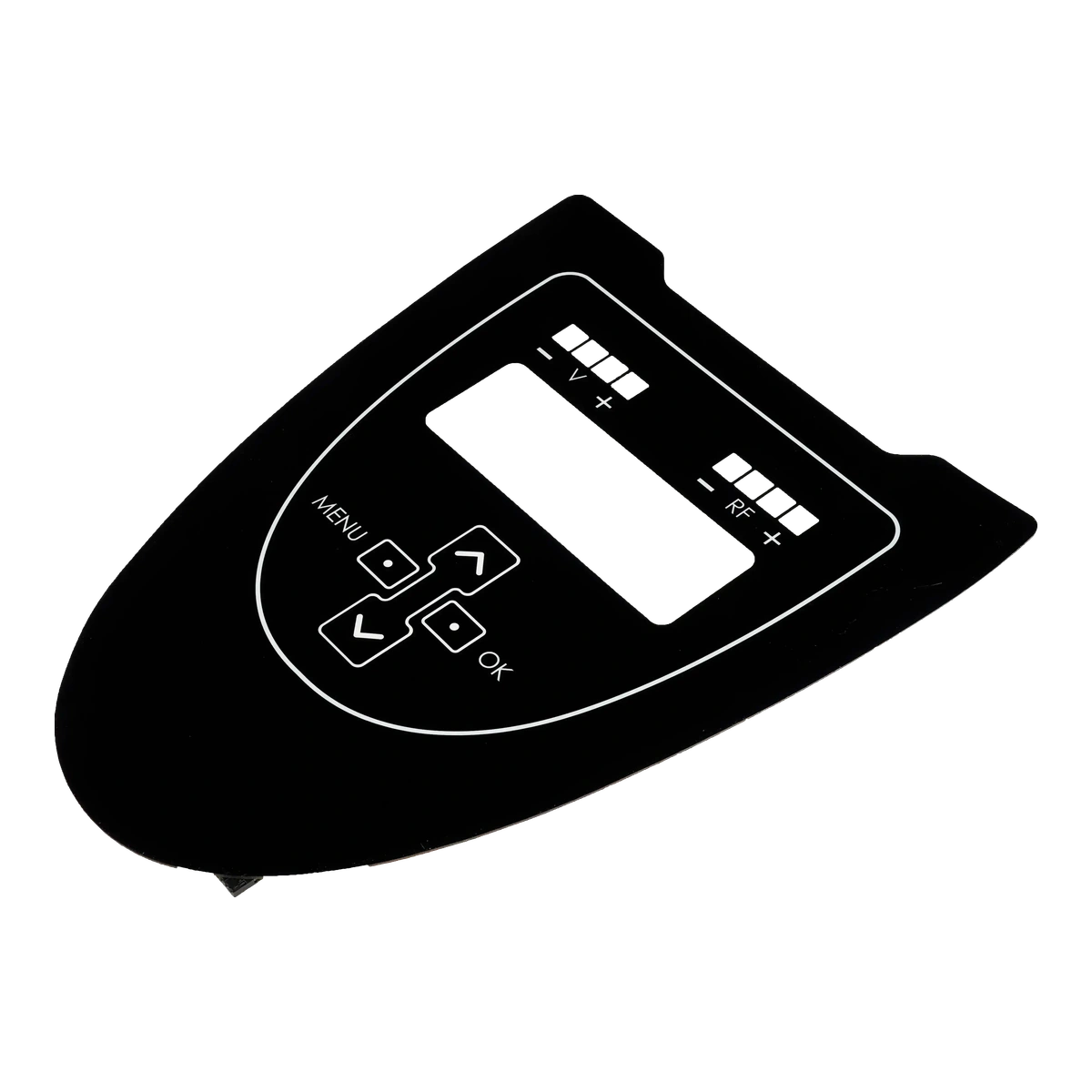
Compare glass with lightweight rigid PMMA faceplates, windows, and cover lenses.
Review Product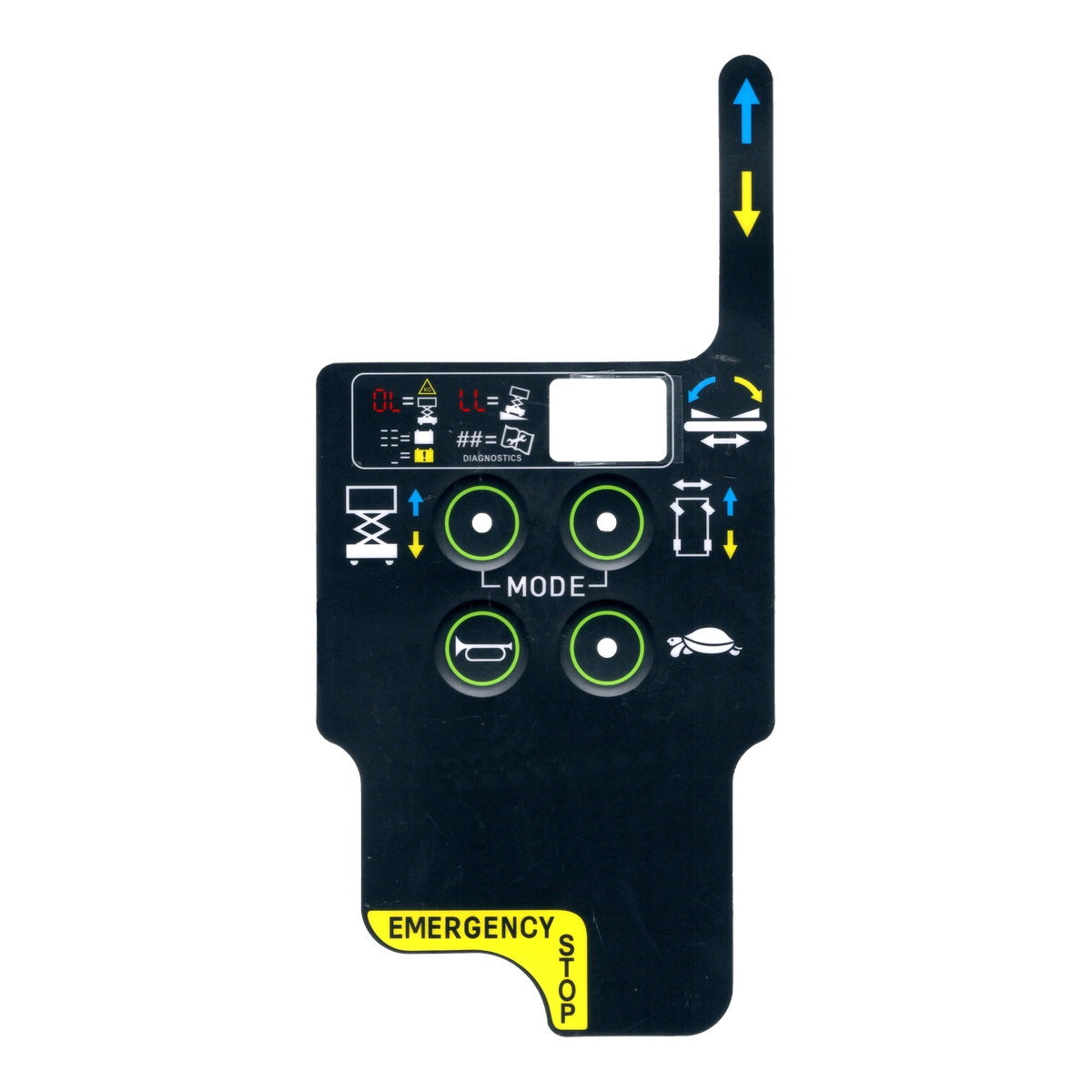
Review flexible PET or polycarbonate printed overlays and membrane-switch top layers.
Review ProductJASPER can review the optical zones, display, touch, edges, mounting, and whether glass, acrylic, flexible film, or metal is the better front-surface route.
Share the project basics. JASPER will review the stack, materials, connector, quantity, and production risks.