
Information
ControlDefine what is fixed, what changes, who owns each field, and which revision is released.
Failure modeOld warnings, duplicated serials, missing model data, or an uncontrolled language version.
Custom label nameplates for ratings, warnings, operating information, branding, serial numbers, barcodes, and service identification. JASPER coordinates the information, film, print route, protection, die cut, adhesive, enclosure surface, and first-article evidence as one controlled part.
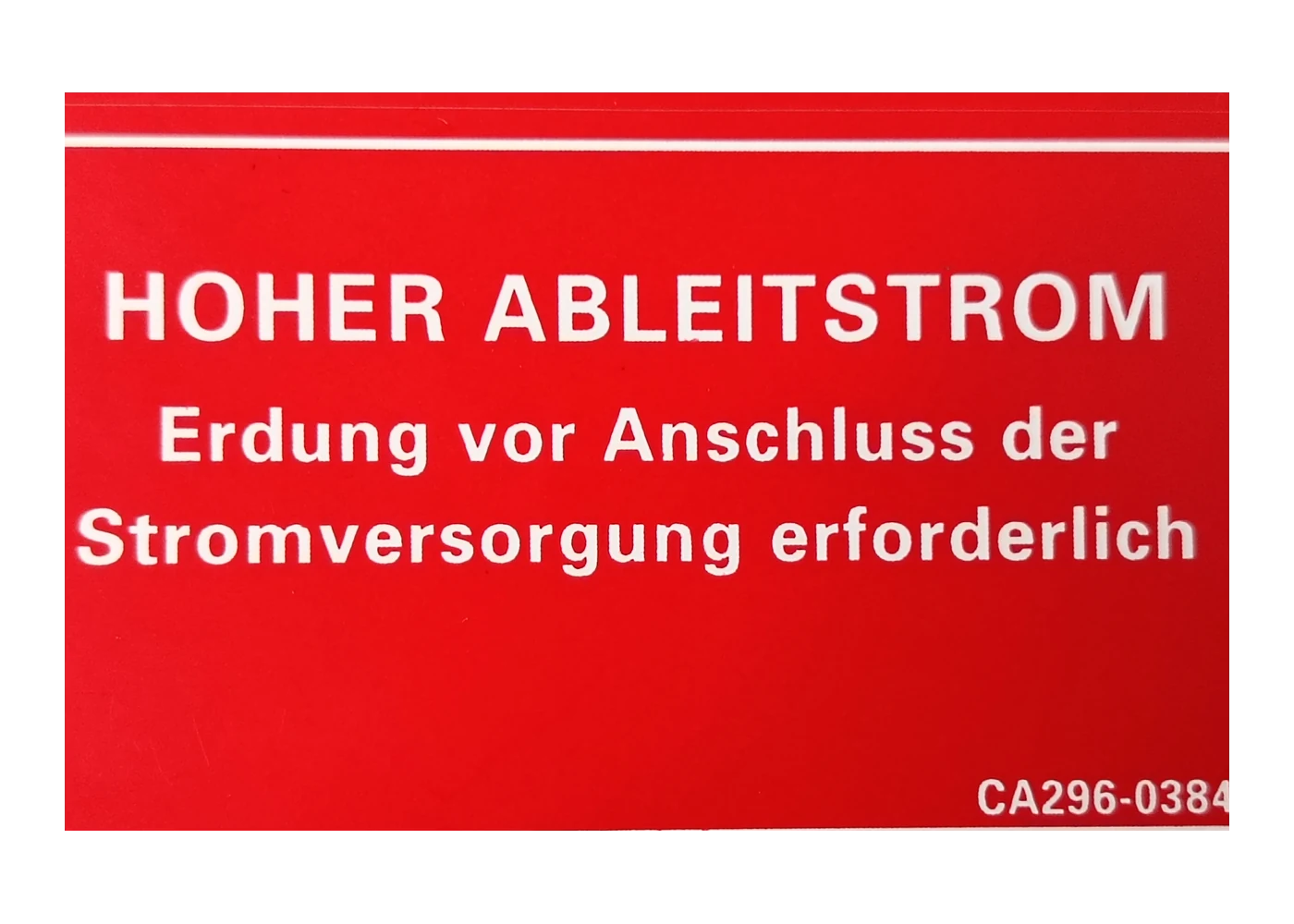
A custom label nameplate is a printed, cut, and usually adhesive-backed part that identifies, warns, rates, instructs, brands, or tracks OEM equipment. It can carry fixed artwork, human-readable data, machine-readable codes, windows, holes, and installation features.
The label is not complete when the artwork looks correct on a screen. The released part also includes the viewing side, film, ink or print system, protective surface, cut geometry, adhesive, liner, data source, inspection rule, mounting surface, and application process.
A label nameplate is different from a graphic overlay when identification is the main job. If the printed film becomes the operating face of a membrane switch or HMI, the project should be reviewed as an overlay and interface stack.
These fields belong to one release package. A correct artwork file cannot compensate for the wrong data, film, print orientation, adhesive, or installed surface.
Define what is fixed, what changes, who owns each field, and which revision is released.
Failure modeOld warnings, duplicated serials, missing model data, or an uncontrolled language version.
Control hierarchy, contrast, minimum readable elements, code quiet zones, and the die line.
Failure modeReadable on screen but crowded, clipped, or misregistered after cutting.
Select the named polycarbonate, polyester, or project-defined substrate for the real exposure.
Failure modeA generic material family is approved without the actual stock or construction.
Define viewing side, color master, white layers, topcoat or laminate, and variable-data pass.
Failure modeInk, code, or fine text is exposed or changed without requalification.
Match the adhesive to enclosure material, coating, texture, curvature, cleaner, and service plan.
Failure modeEdges lift, bubbles form, or the label shifts because the surface was assumed.
Approve location, orientation, bond, readability, scan, windows, and packaging on the equipment.
Failure modeA loose sample passes while the applied label wrinkles, hides, or cannot be scanned.
The useful drawing links the visible message to the production data, physical construction, and real enclosure.
| Decision | Options to Review | Release Question |
|---|---|---|
| Label function | Rating, warning, instruction, product ID, asset, service, calibration, branding, or combined label | What must remain visible, readable, and controlled through the product life? |
| Fixed and variable data | Fixed artwork, model fields, serial range, barcode, QR, date, lot, language, or customer data | Who supplies each field, in what format, and how are duplicates or missing records handled? |
| Film and appearance | Named polycarbonate, polyester, clear, white, colored, matte, gloss, textured, or project-defined film | Which stock fits the viewing, handling, print, cleaner, and environmental requirements? |
| Print orientation | Second-surface on clear film, protected surface print, face print, white backing, selective color, or separate variable pass | Which side is viewed and which printed elements need protection or later customization? |
| Protection and readability | Topcoat, laminate, clear film protection, abrasion zone, code zone, contrast, and lighting condition | How will fine text and codes be evaluated after handling and exposure? |
| Geometry | Die-cut outline, radii, holes, slots, windows, kiss cut, sheet, roll, registration datum, and liner split | How does the part locate, peel, align, and avoid interfering with displays or controls? |
| Adhesive and surface | Permanent, removable, serviceable, tamper-evident, high-tack, or project-defined adhesive route | What are the enclosure material, coating, texture, surface energy, curvature, and installation conditions? |
| Release evidence | Color master, first article, applied sample, scan result, adhesion test, exposure sample, and packaging approval | Which production-intent evidence authorizes volume release and triggers requalification? |
A serial number or barcode is not simply typed into the artwork. The project needs a data source, field map, sequence rule, symbology, human-readable text, code size and quiet zone, scanner condition, inspection record, and response for duplicate, missing, or unreadable data.
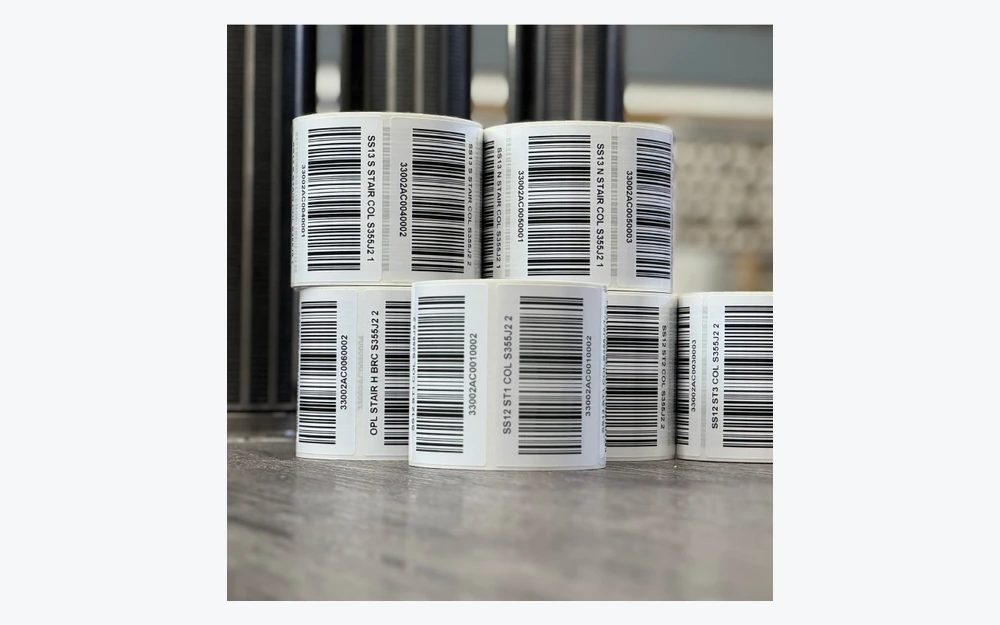
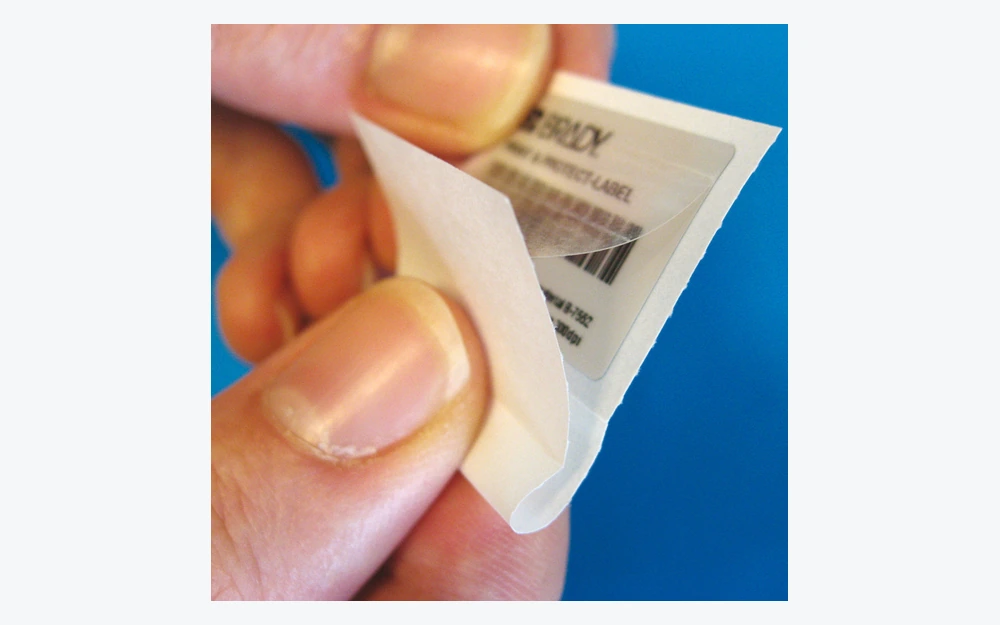
Second-surface printing can protect graphics behind a clear film, while other projects need protected surface printing or a separate variable-data pass. The film, print chemistry, protective layer, adhesive, and release liner must survive manufacturing, handling, installation, and the declared service exposure together.
Use the selected film surface, topcoat, or laminate to meet appearance, handling, and code-readability needs.
Control material identity, viewing side, fixed artwork, variable field, color master, white layers, and registration.
Define the approved adhesive construction, coverage, keep-outs, liner split, storage, and installation condition.
Set the sheet or roll format, peel direction, handling method, label count, and packaging needed by assembly.
Flexible labels, operator overlays, domed badges, and rigid or metal nameplates can all carry graphics, but they solve different product responsibilities.
Protected fixed graphics on clear polycarbonate or polyester with pressure-sensitive mounting
Confirm viewing side, white backing, variable-data route, film, adhesive, and enclosure
Opaque or specialty film, later variable data, or a construction that uses topcoat or laminate protection
Confirm print compatibility, protection, code quality, edge exposure, and reprint control
Operator-facing film with keys, touch zones, display masks, windows, or switch-stack alignment
Treat the part as an interface layer, not only as product identification
Raised branding, rigid lens or faceplate, or permanent identification under demanding exposure
Confirm thickness, edge, mounting, corrosion, optics, and service method
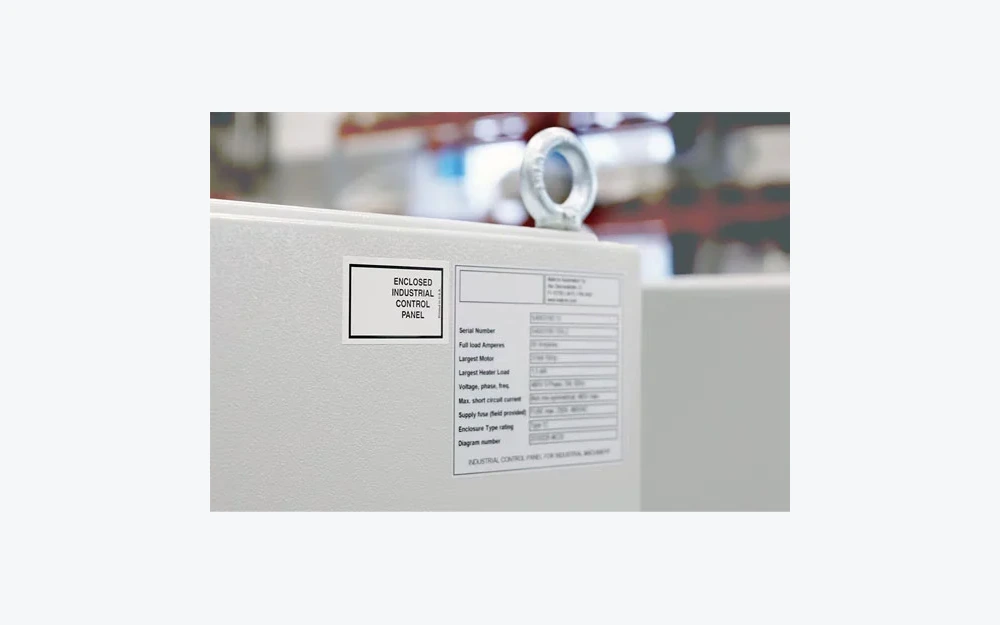
A pressure-sensitive label bonds to a surface, not to the material name written in the RFQ. Paint, powder coat, texture, mold release, low-surface-energy plastic, curvature, recess depth, contamination, assembly pressure, dwell time, cleaner, and edge exposure can change the result.
Define fixed copy, variable fields, language, owner, revision, data format, and privacy boundary.
Select the named film, viewing side, color construction, protection, cut process, and variable-data method.
Review the enclosure and apply candidate constructions under the intended preparation and assembly process.
Approve color, text, code, geometry, liner, peel, placement, bond, scan, and packaging on real parts.
Lock revisions, data range, inspection, reprint rules, lot records, packaging, and change-trigger conditions.
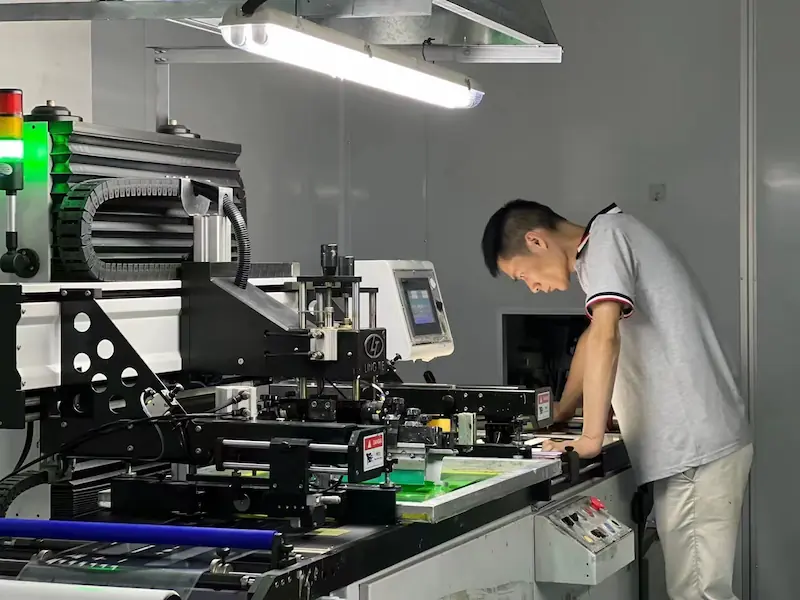
Inspection must connect the approved artwork and data file to the actual cut label and applied condition. A visual check alone does not prove that every variable code is unique, readable, located correctly, and associated with the right production record.
The common requirement is controlled information that remains usable on the real product and through the OEM workflow.
Model, electrical, manufacturer, configuration, revision, and market-specific product information.
Hazard hierarchy, required action, operating sequence, maintenance notice, and multilingual variants.
Unique serials, barcodes, QR codes, asset IDs, lot data, and human-readable fallback.
Compact equipment identification, cleaning review, service labels, and controlled revision history.
Cabinet, charger, power, test, machine, and control-system identification on defined enclosures.
Inspection status, calibration date, service interval, replacement, and controlled technician information.
Early files are useful. A vector PDF, dimensioned die line, example data record, and enclosure photograph or drawing are enough to begin the route review.
No. A label nameplate identifies, warns, rates, or tracks the equipment and usually works as a pressure-sensitive identification part. A graphic overlay is the operator-facing printed layer of a switch or HMI. If keys, touch zones, display masks, or actuation define the part, review it as an overlay rather than only as a label.
Both are common film routes, but the choice depends on the named stock, print construction, cleaner, abrasion, temperature, UV exposure, flexibility, and service life required by the project. Send the actual environment instead of selecting the film from a generic durability number.
Yes. Fixed graphics and variable information can be combined in a controlled production plan. Define the symbology, data source, sequence rules, human-readable text, quiet zones, scanner condition, inspection method, and duplicate or missing-code response before release.
The adhesive only contacts the high points of a rough or contaminated surface. Coating chemistry, surface energy, texture, curvature, cleaner residue, assembly pressure, dwell time, temperature, and edge exposure can all change the bond. Qualify the construction on the production enclosure.
Send vector artwork, a dimensioned die line, fixed and variable fields, code requirements, material and finish direction, the enclosure material and coating, exposure, sample and annual quantity, data-delivery format, packaging, and first-article acceptance method.

Compare flexible labels, operator overlays, rigid panels, domed badges, and metal nameplates.
Review Product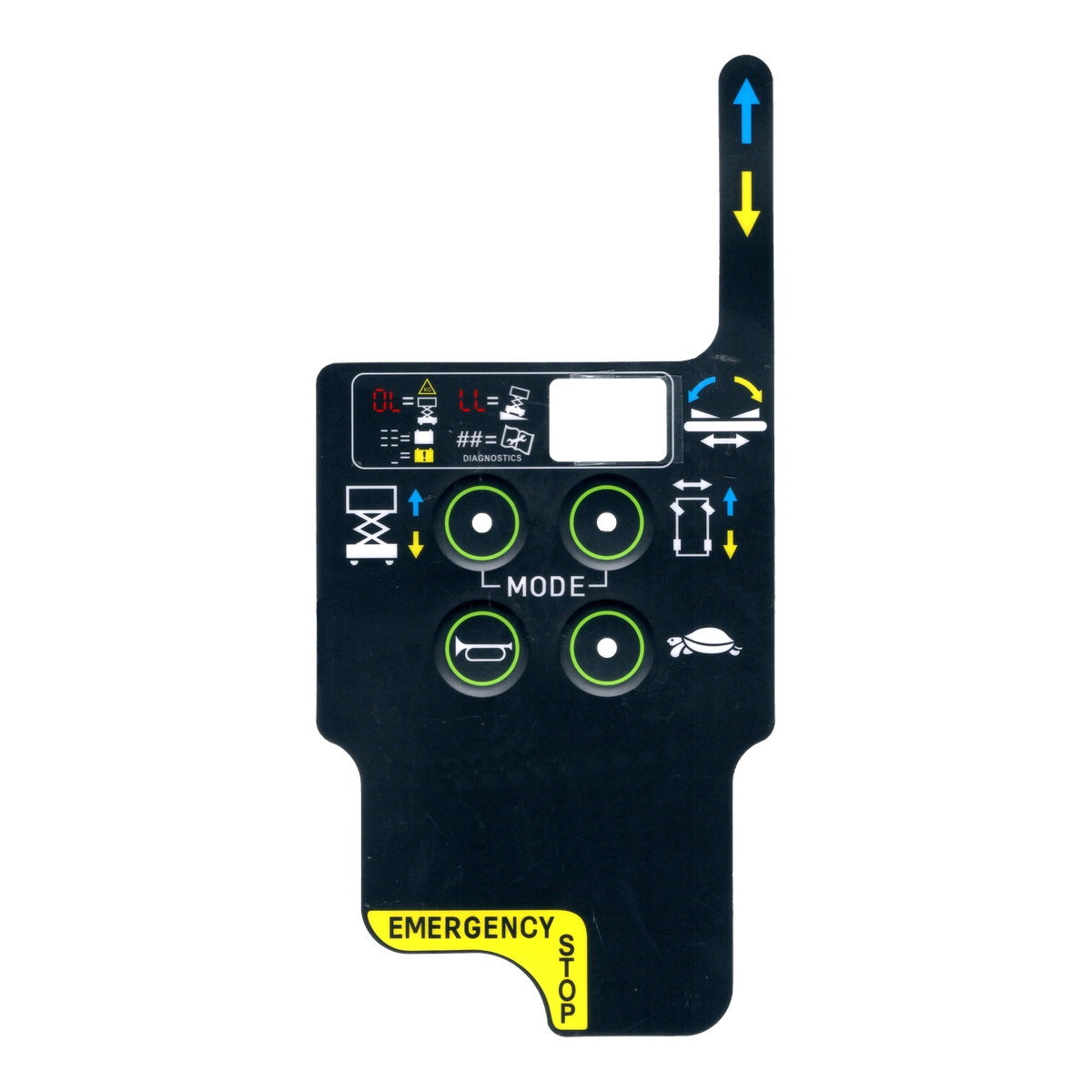
Review when a printed film becomes the operating face of a membrane switch or HMI.
Review Product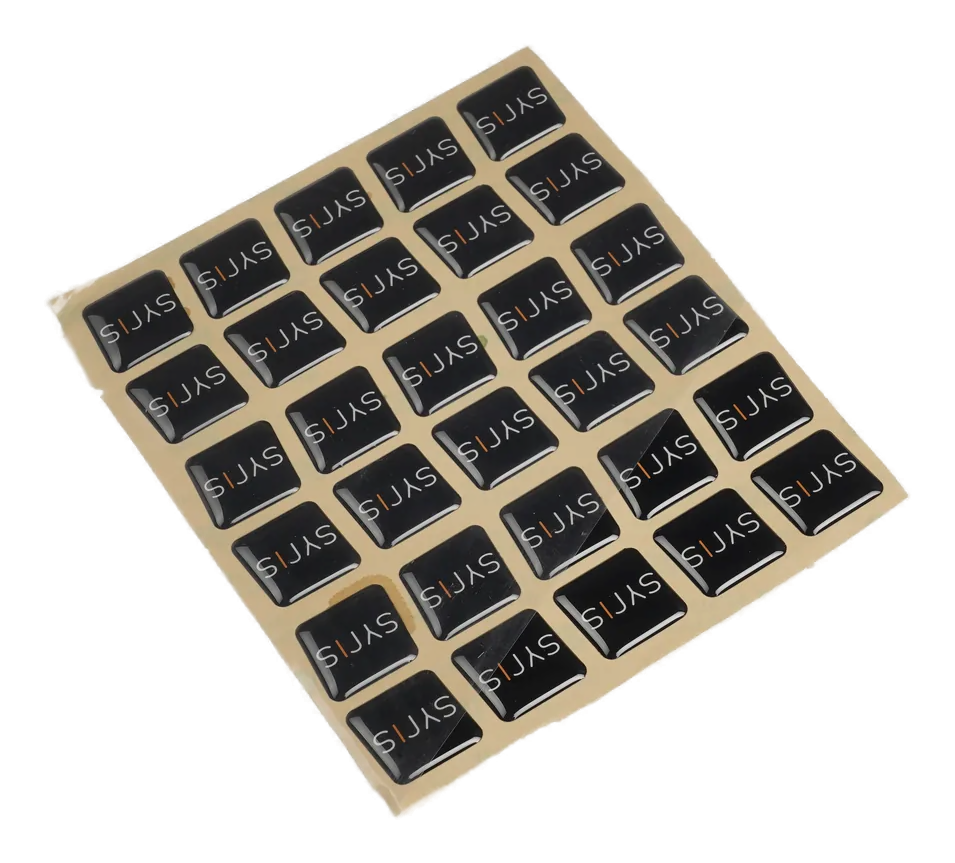
Compare flat identification labels with raised clear-resin branding badges.
Review ProductJASPER can review the fixed copy, variable fields, film, print route, cut geometry, adhesive, mounting surface, and first-article evidence before the label enters volume production.
Share the project basics. JASPER will review the stack, materials, connector, quantity, and production risks.